google /
Führen Sie Gemini Omni 1.2 Flash von Google auf ArtAny für Image To Video aus. Upload one image as the first frame (and optionally a last frame), and Google Gemini Omni 1.2 Flash animates it into a video with audio, up to 4K.
Output
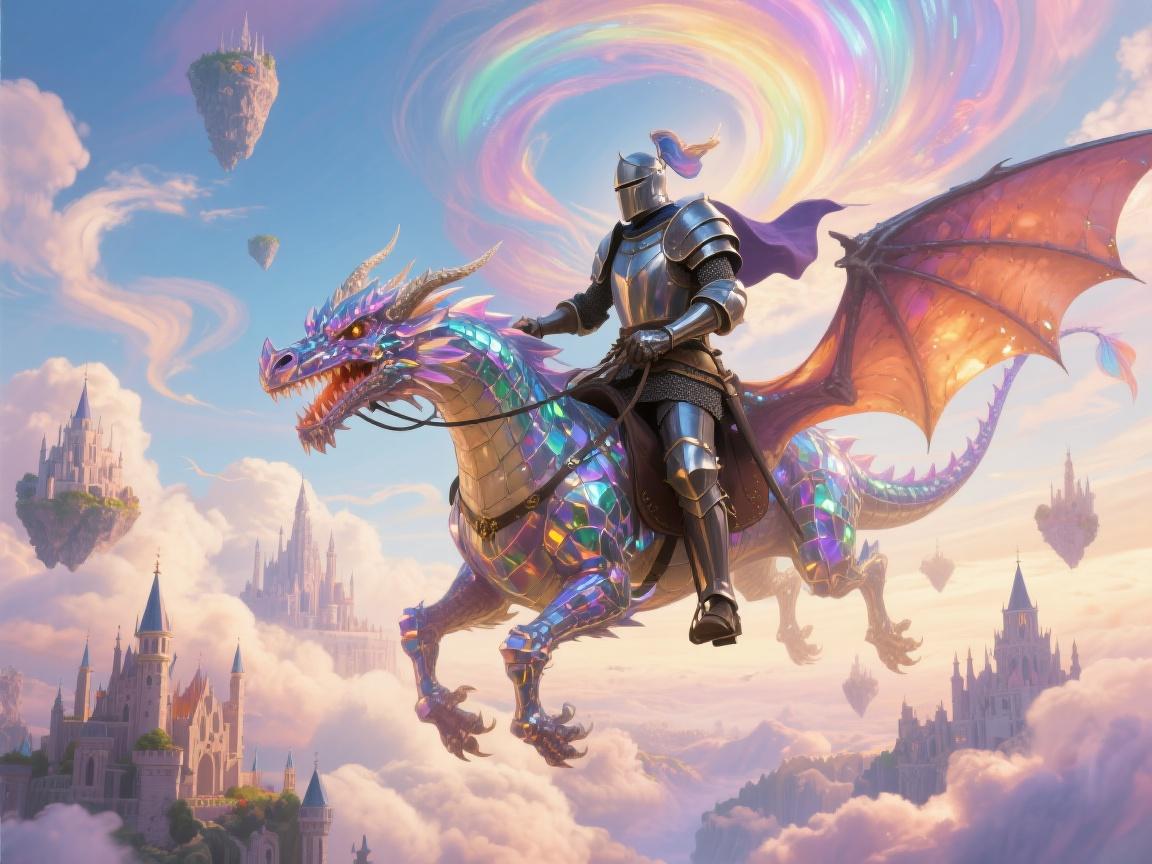
Gemini Omni 1.2 Flash
Geben Sie einen Prompt ein und klicken Sie auf Generate. Die Ergebnisse erscheinen hier.
Verwandte Modelle


README
Über Gemini Omni 1.2 Flash
Gemini Omni 1.2 Flash ist auf ArtAny AI als Teil der Google-Modellreihe verfügbar. Es unterstützt Image To Video-Workflows mit einheitlichem Playground und API.
Upload one image as the first frame (and optionally a last frame), and Google Gemini Omni 1.2 Flash animates it into a video with audio, up to 4K.
So nutzen Sie dieses Modell auf ArtAny
Öffnen Sie den Playground-Tab und starten Sie den Generator mit Prompt oder Referenzmaterial. ArtAny leitet Ihren Job an Gemini Omni 1.2 Flash für Image To Video weiter.
Für den Produktiveinsatz kopieren Sie im API-Tab Startercode und tragen API-Schlüssel sowie Modell-ID aus dem Dashboard ein.
FAQ — Gemini Omni 1.2 Flash
Wofür ist Gemini Omni 1.2 Flash gedacht?
Gemini Omni 1.2 Flash ist auf ArtAny AI für Image To Video ausgelegt. Upload one image as the first frame (and optionally a last frame), and Google Gemini Omni 1.2 Flash animates it into a video with audio, up to 4K.
Wie nutze ich Gemini Omni 1.2 Flash ohne Code?
Playground → Im Generator öffnen. Bei ArtAny anmelden, Prompt eingeben und mit Gemini Omni 1.2 Flash generieren.
Kann ich Gemini Omni 1.2 Flash per API nutzen?
Ja. Im API-Tab finden Sie cURL-, JavaScript- und Python-Beispiele. Authentifizieren Sie sich mit Ihrem ArtAny-API-Schlüssel und übergeben Sie die Modellreferenz dieses Katalogeintrags.
Hinweis: Diese Website nutzt KI-Modelle Dritter. API-Beispiele dienen der Illustration; Preise und Verfügbarkeit richten sich nach Ihrem ArtAny-Tarif und dem Live-Generator.