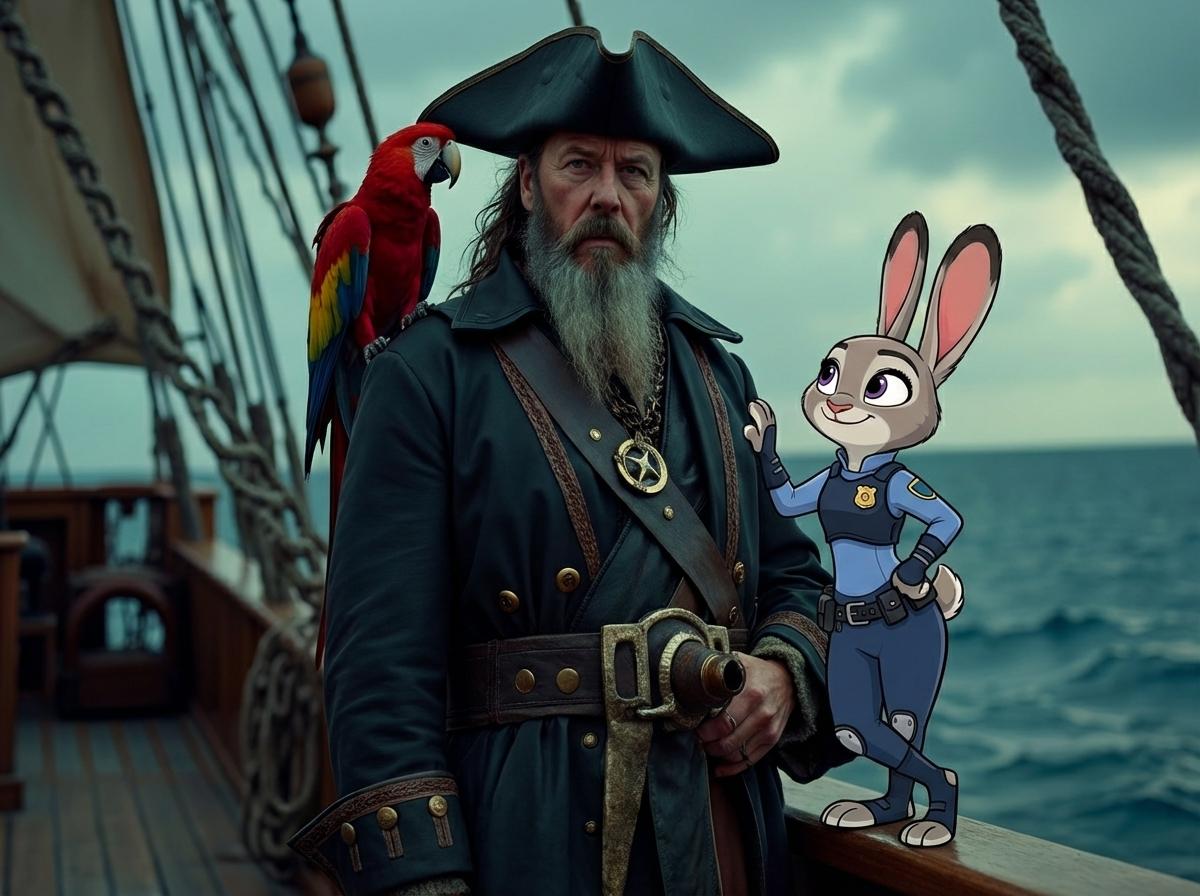
AI Zootopia 포토부스: 좋아하는 캐릭터와 사진 찍기

Zootopia 캐릭터 파트너

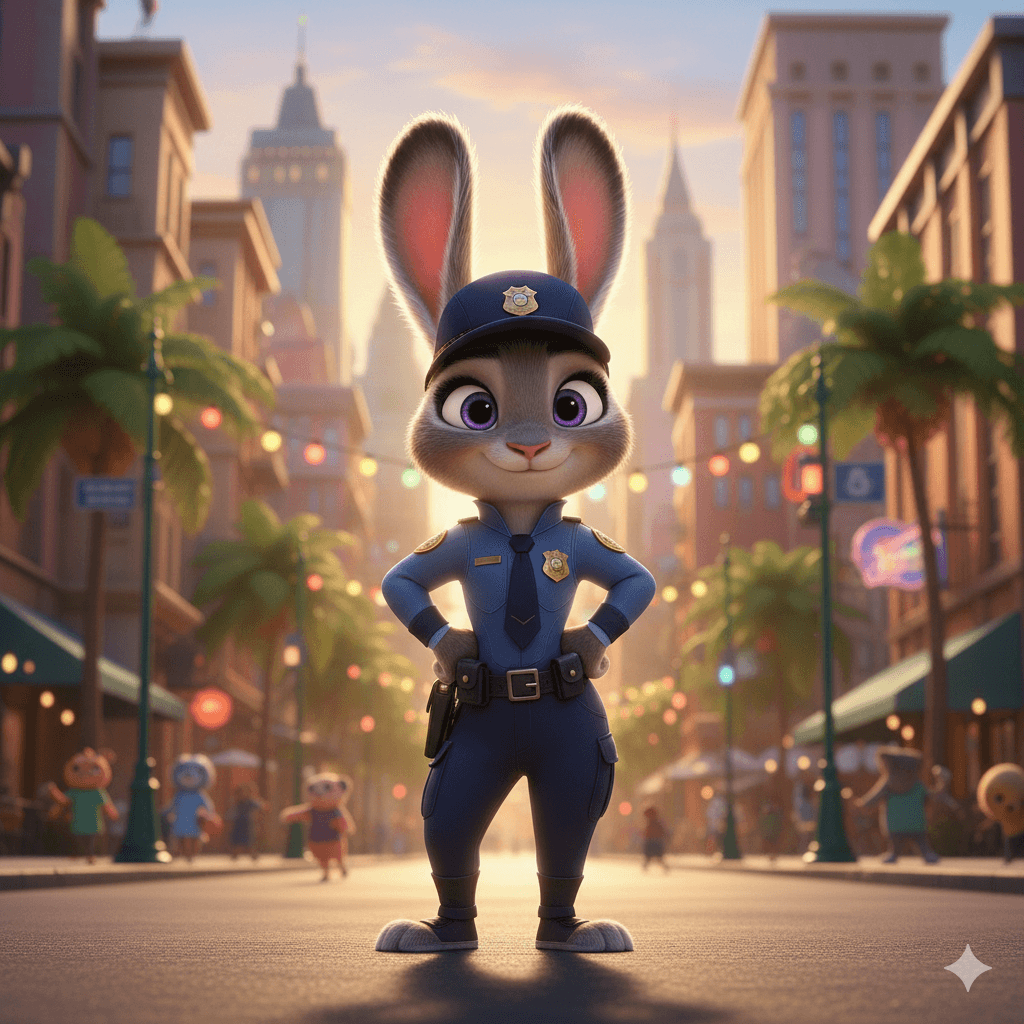
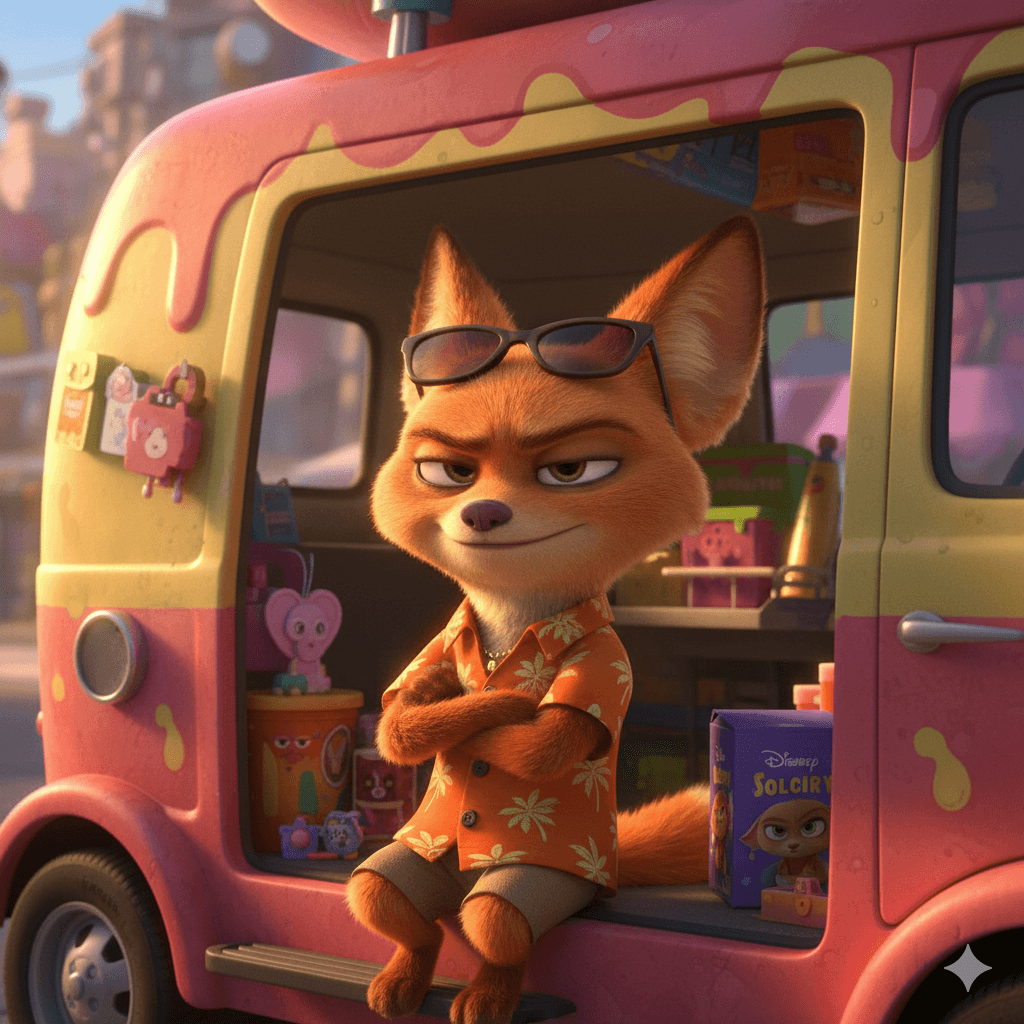
Zootopia 2 AI Filter Partner 1
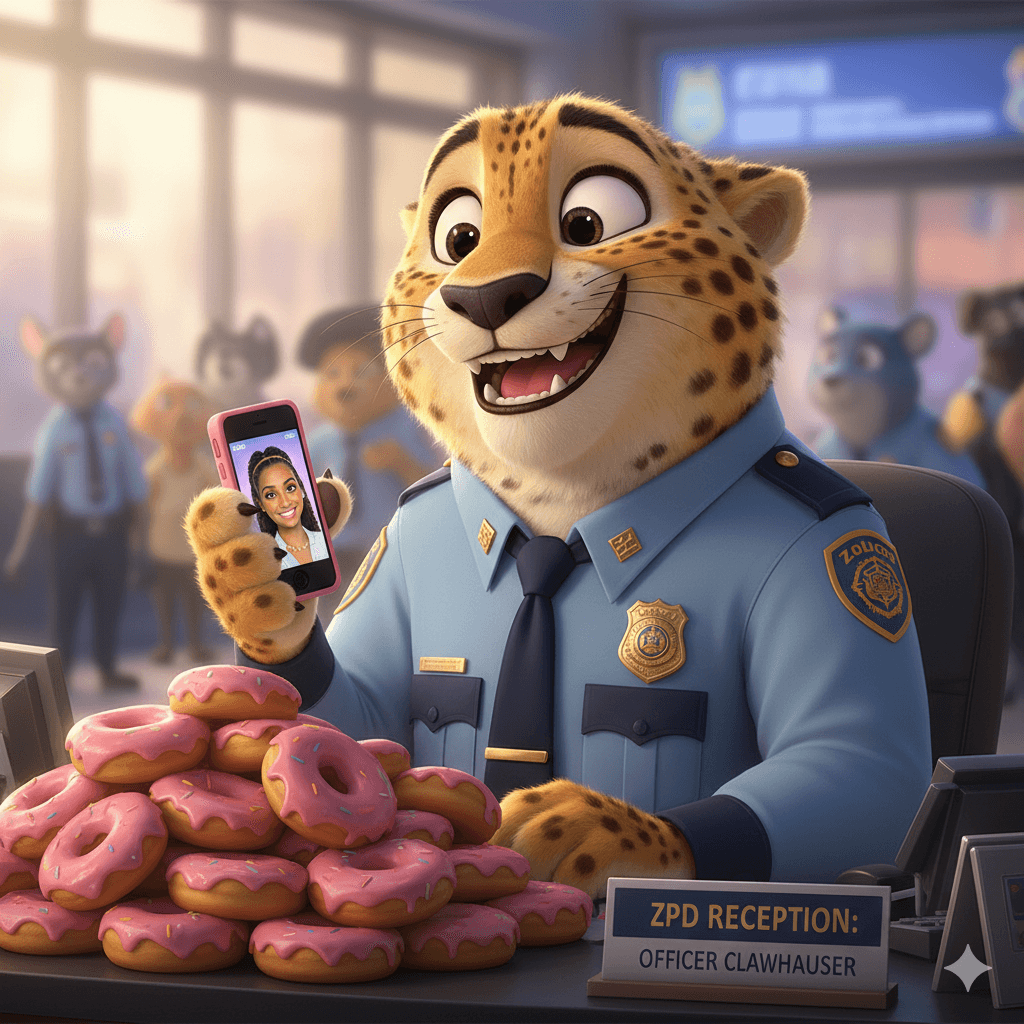
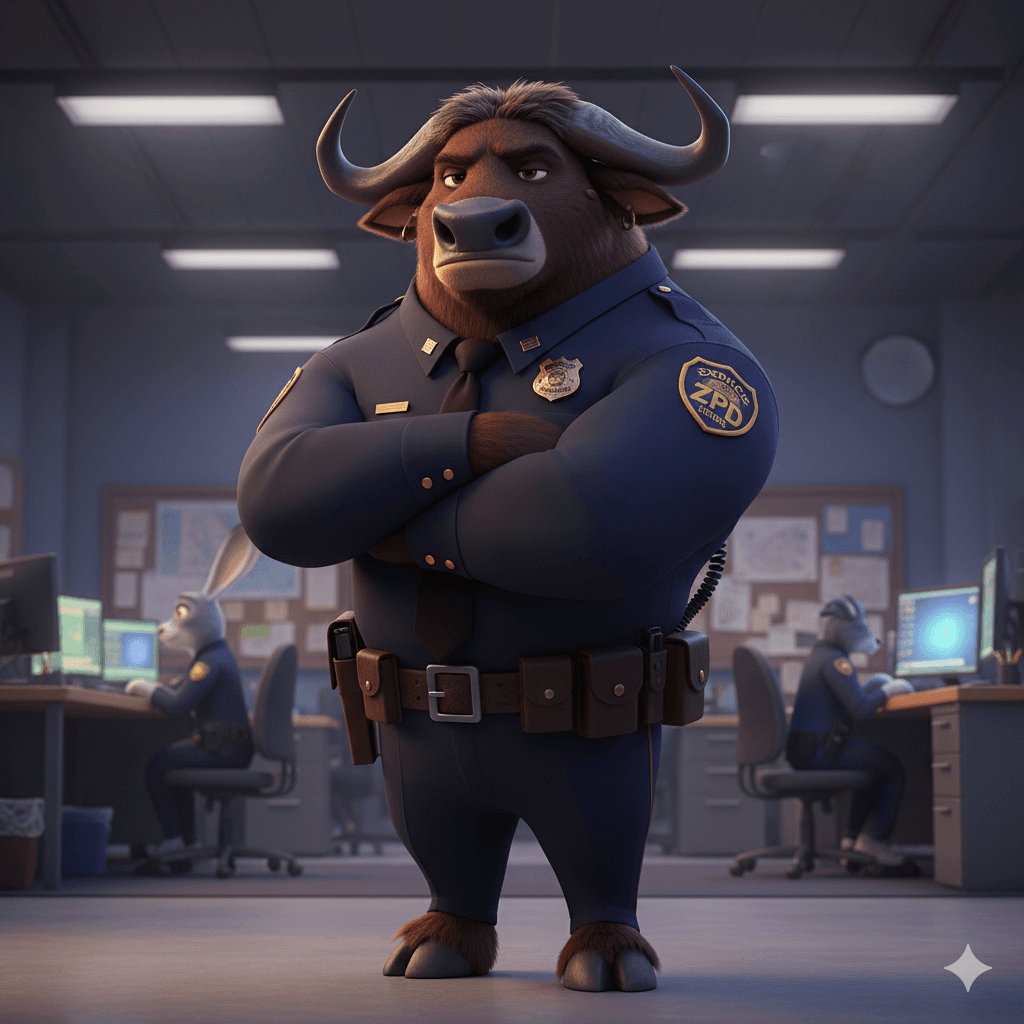
Zootopia 2 AI Filter Partner 2
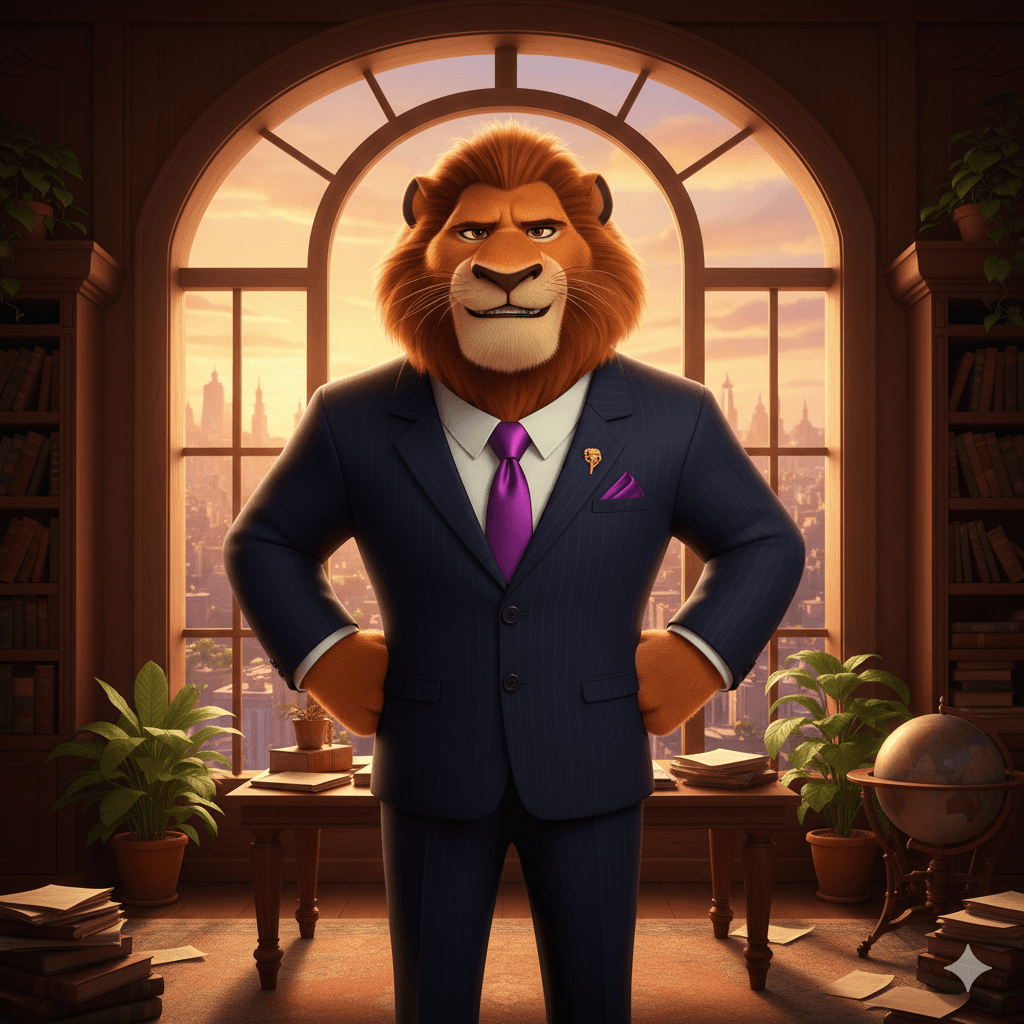
Zootopia 2 AI Filter Partner 3
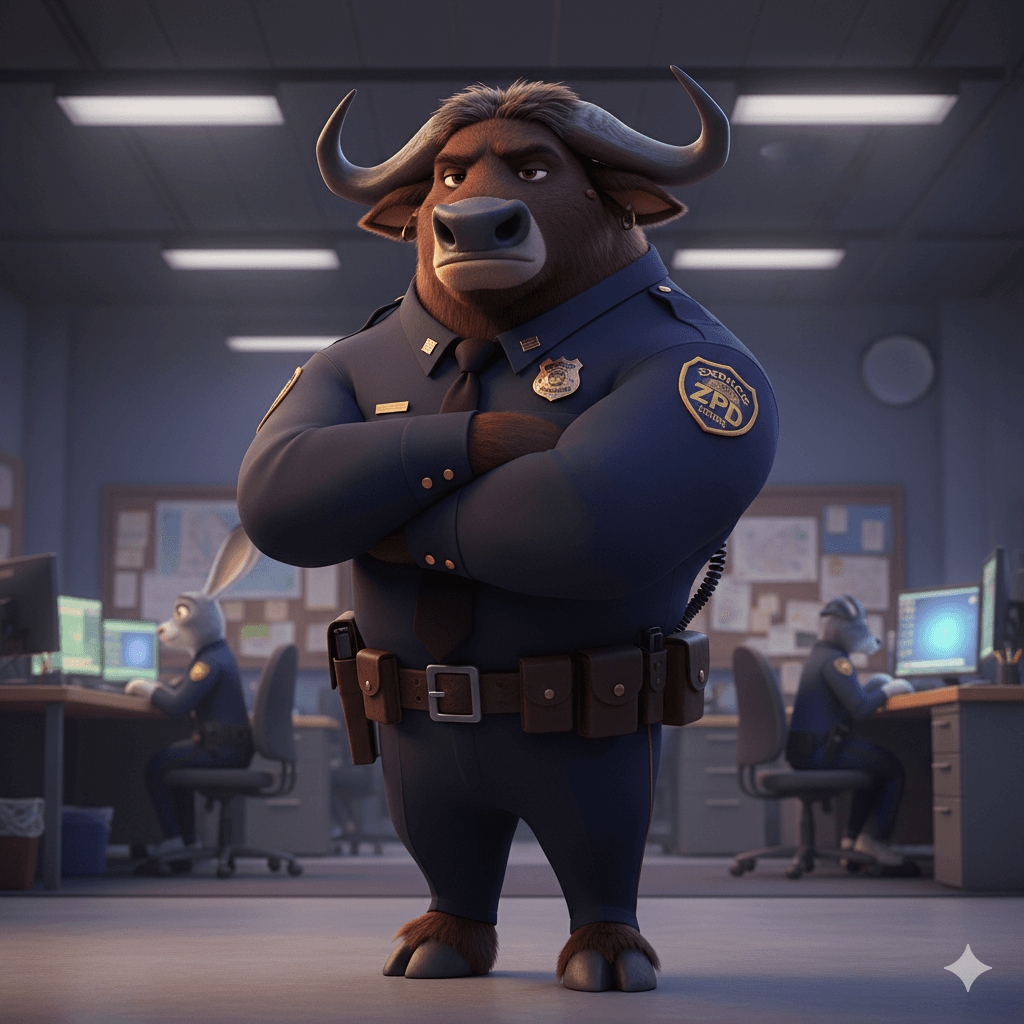
Zootopia 2 AI Filter Partner 4
Zootopia 2 AI Filter Partner 5
Zootopia 2 AI Filter Partner 6
Zootopia 2 AI Filter Partner 7
Zootopia 2 AI Filter Partner 8
Zootopia 2 AI Filter Partner 9
Zootopia 2 AI Filter Partner 10
Zootopia 2 AI Filter Partner 11
Zootopia 2 AI Filter Partner 12
Zootopia 2 AI Filter Partner 13
Zootopia 2 AI Filter Partner 14
Zootopia 2 AI Filter Partner 1
Zootopia 2 AI Filter Partner 2
Zootopia 2 AI Filter Partner 3
Zootopia 2 AI Filter Partner 4
Zootopia 2 AI Filter Partner 5
Zootopia 2 AI Filter Partner 6
Zootopia 2 AI Filter Partner 7
Zootopia 2 AI Filter Partner 8
Zootopia 2 AI Filter Partner 9
Zootopia 2 AI Filter Partner 10
Zootopia 2 AI Filter Partner 11
Zootopia 2 AI Filter Partner 12
Zootopia 2 AI Filter Partner 13
Zootopia 2 AI Filter Partner 14

AI Zootopia 사진 생성기

Template 01
Template 01
Template 02
Template 03
SeedDance-image-ai-1

No Generation History

Enter a prompt and click "Generate Image" to start creating! Your artwork will be displayed here.

"최신 AI 융합 기술로 여러분의 사진을 Zootopia 세계에 자연스럽게 넣어줍니다."

@ArtAny AI
AI Zootopia Features

사실적인 융합

실제 질감을 유지하면서 캐릭터의 조명과 포즈에 완벽히 맞춰 전문 합성 이미지를 생성합니다.

무한한 창의성

Zootopia 거리, 툰드라타운 등 다양한 장면을 선택할 수 있습니다.

초고속 출력

복잡한 편집 없이 몇 초 만에 이미지/영상 생성.

캐릭터 합성 갤러리

생성된 합성 사진을 미리 보고, 클릭하여 스타일을 적용할 수 있습니다.

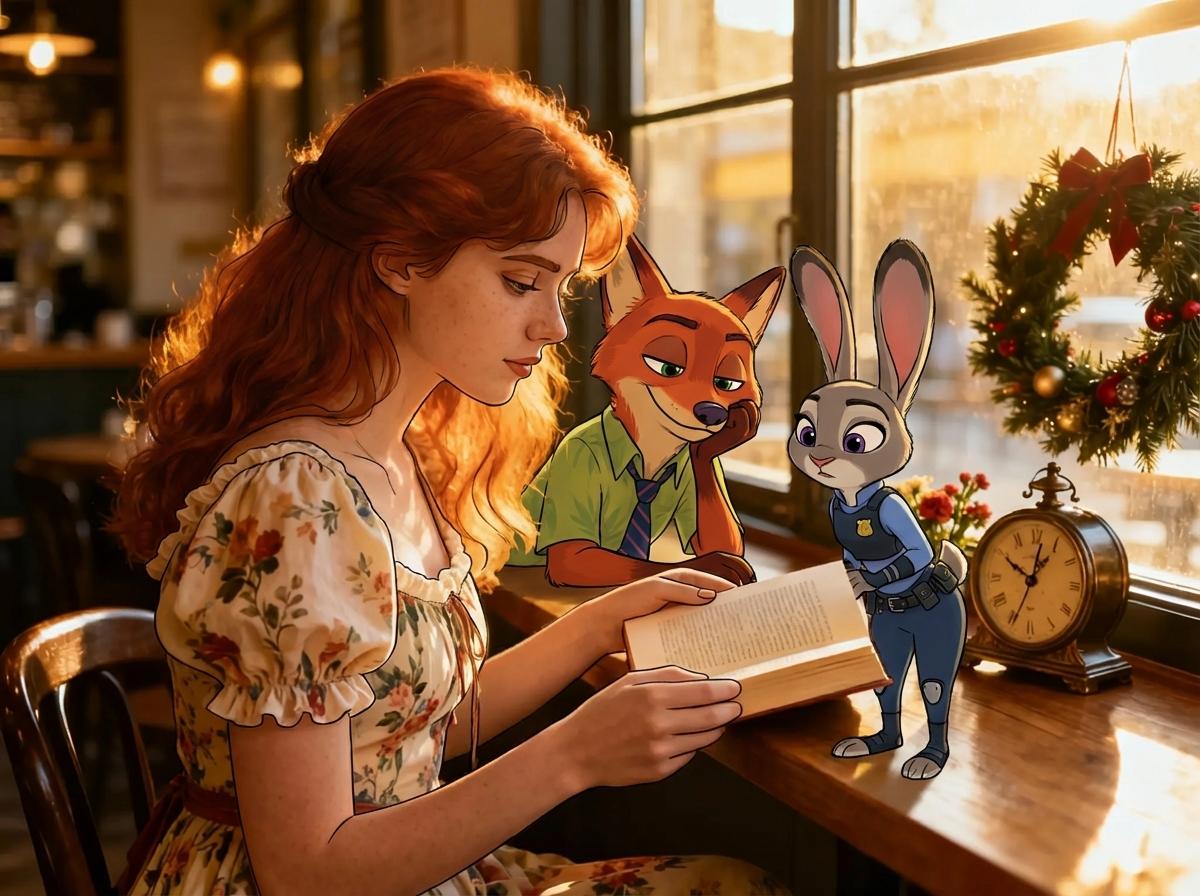
주디 & 닉과의 사진

입력 1
Input Image 1
입력 2
Input Image 2
출력
Photo with Judy and Nick - Generated Result

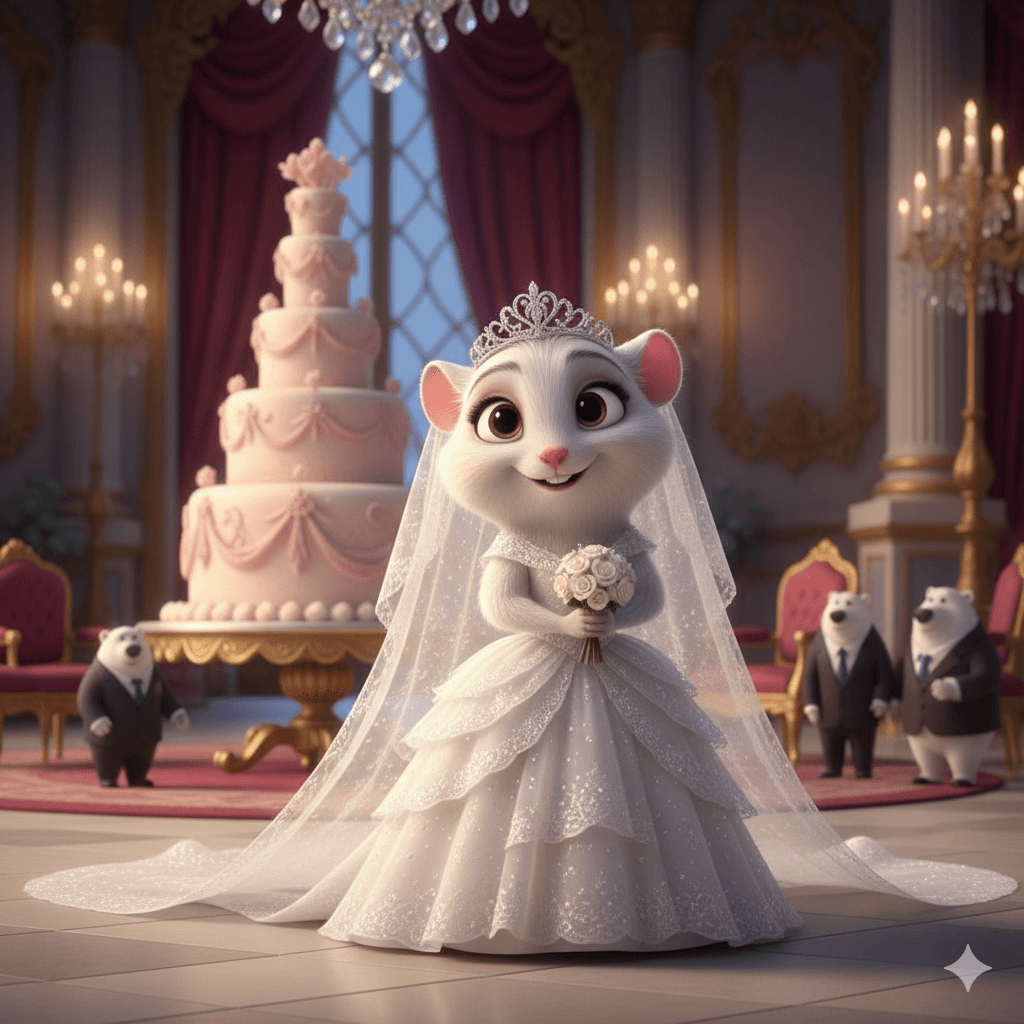
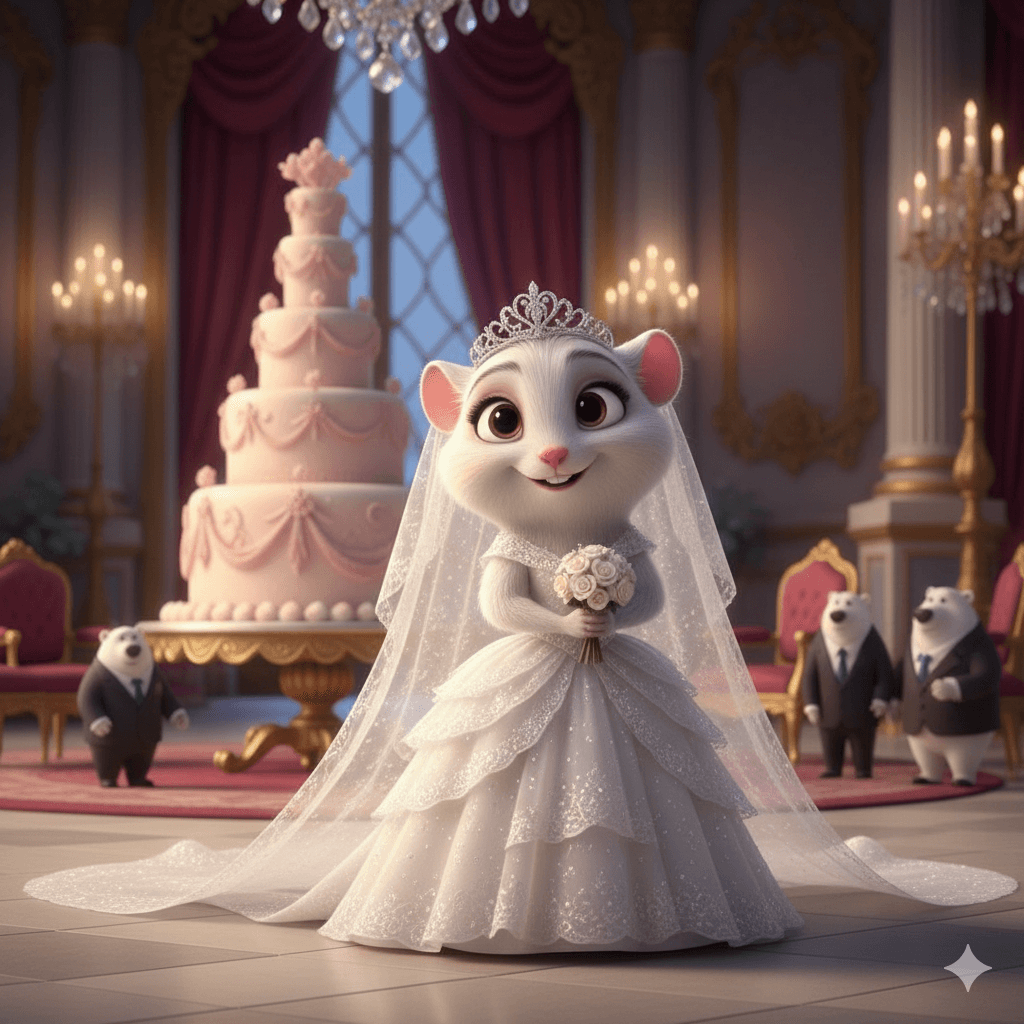
프루프루와의 사진

입력 1
Input Image 1
입력 2
Input Image 2
출력
Photo with Fru Fru - Generated Result

주디와의 사진

입력 1
Input Image 1
입력 2
Input Image 2
출력
Photo with Judy - Generated Result

Zootopia AI 생성기 사용 방법

AI 사진 편집 도구로 3단계면 충분합니다!

01

1단계: 캐릭터 선택

원하는 캐릭터(닉, 주디, 플래시 등)를 선택합니다.

02

2단계: 사진 업로드

선명한 사진을 업로드하면 AI가 자동으로 분석합니다.

03

3단계: AI 융합 & 생성

‘생성’을 클릭하면 AI가 자동으로 캐릭터를 조정하여 고품질 합성을 만듭니다.
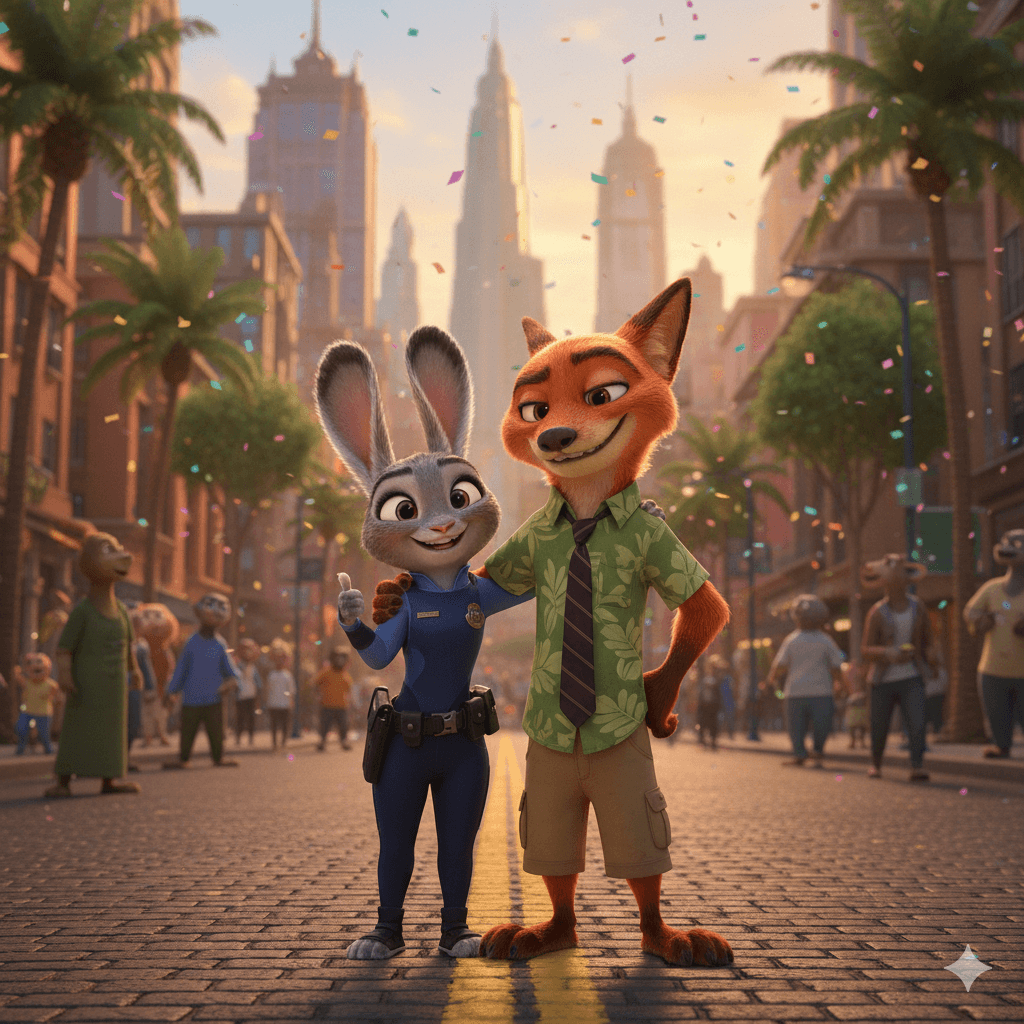
Zootopia 이미지→영상 AI 생성기

사진을 업로드하면 부드러운 동영상으로 변환됩니다.

이미지 업로드
Input Image for Video Generation
생성된 영상

자주 묻는 질문