Qwen-Image Series in ArtAny: Mastering High-Precision Generation and Controllable Image Editing
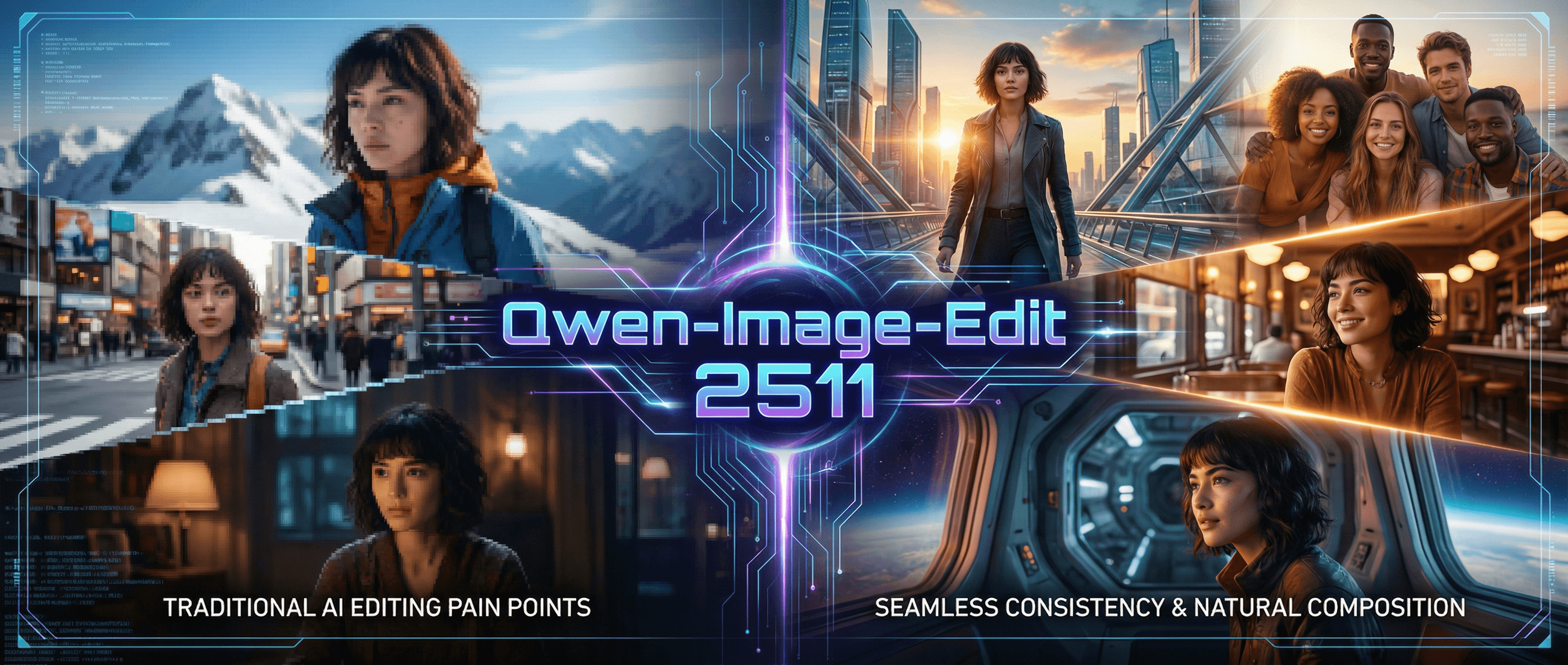
While most AI tools struggle with facial drift and text rendering, the Qwen-Image series ensures perfect character consistency and seamless refinement from start to finish. Say goodbye to inconsistency and maintain visual harmony in every frame. Experience these breakthrough capabilities—Try Qwen-Image in ArtAny AI image generator for free!
No Generation History
Enter a prompt and click "Generate Image" to start creating! Your artwork will be displayed here.
Native-Level Text Rendering & Precision Editing: Redefining AI Creation
Versatile Applications: From Branding to Concept Art
Branding & Marketing
Craft high-impact posters, social media banners, and e-commerce visuals.
Publishing & Education
Design precise bilingual infographics and textbook illustrations.
Film & Gaming
Generate cinematic title cards and immersive concept art.
Personal Creative
Create custom multilingual cards and professional presentation covers.
Qwen-Image-Edit: Mastering Controllable Refinement
Dynamic Text Control
Real-time adjustment of font, size, and spatial positioning.
Localized Enhancements
Targeted refinement of lighting, color, and texture details.
Stylized Multilingual Conversion
Convert text across languages while maintaining artistic consistency.
Live Showcase: Storybook Anime Cityscape Test
Prompt:
"Ghibli-style rainy cityscape. A girl holds an oil-paper umbrella with 'ArtAny', neon signs display 'AI Image' and 'AI Video', lanterns show 'AI Models' in the distance."
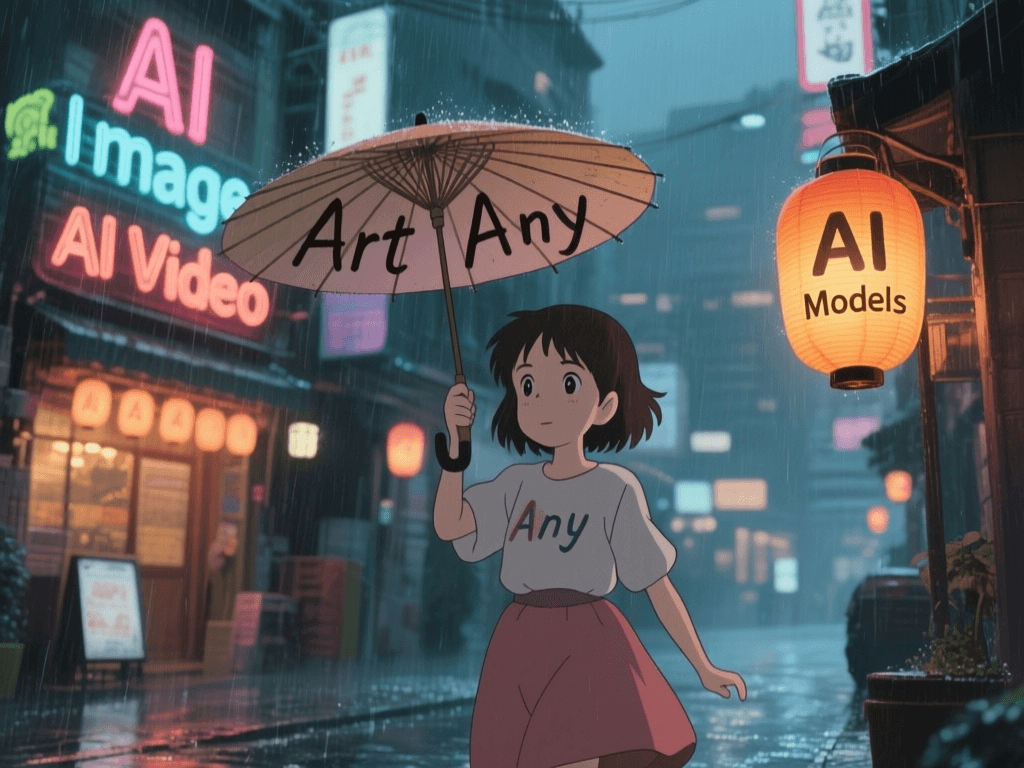
Results:
Key Features of Qwen-Image-Edit
Native Multilingual Text Mastery
Beyond simple text overlays, Qwen-Image-Edit achieves seamless text integration. You can add, modify, or translate multilingual text within images while perfectly preserving the original font style, 3D perspective, and lighting.
Pixel-Level Localized Refinement
Perform "surgical" edits on specific image areas. Whether it's adjusting ambient lighting, swapping material textures, or enhancing fine details, you have precise control over every element without altering the overall composition.
Unmatched Character & Style Consistency
Solving the industry-wide "AI Face-Drifting" problem, this model maintains stable character features and artistic integrity across multiple edits. It is the ultimate tool for consistent branding and visual storytelling.
Intelligent Spatial Fusion
The model deeply understands 3D spatial logic. Newly edited elements—like neon signs or handheld objects—naturally interact with environmental shadows, reflections, and depth, ensuring a flawless, non-synthetic look.
Qwen-Image Series: Masterpiece Showcase
Explore how Qwen-Image transforms complex prompts into high-fidelity visual realities.
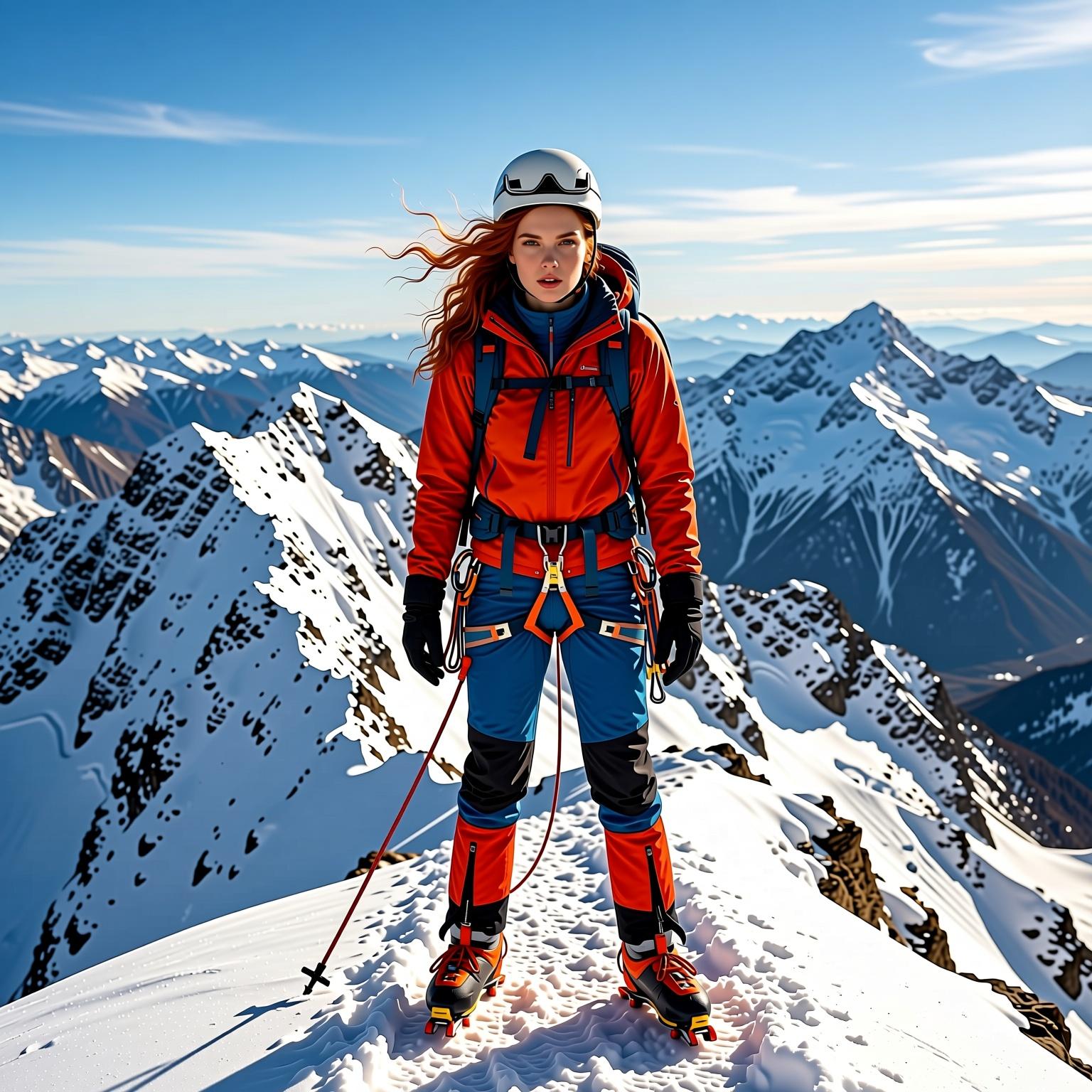
Cross-Scene Character Style Migration
Reference Image
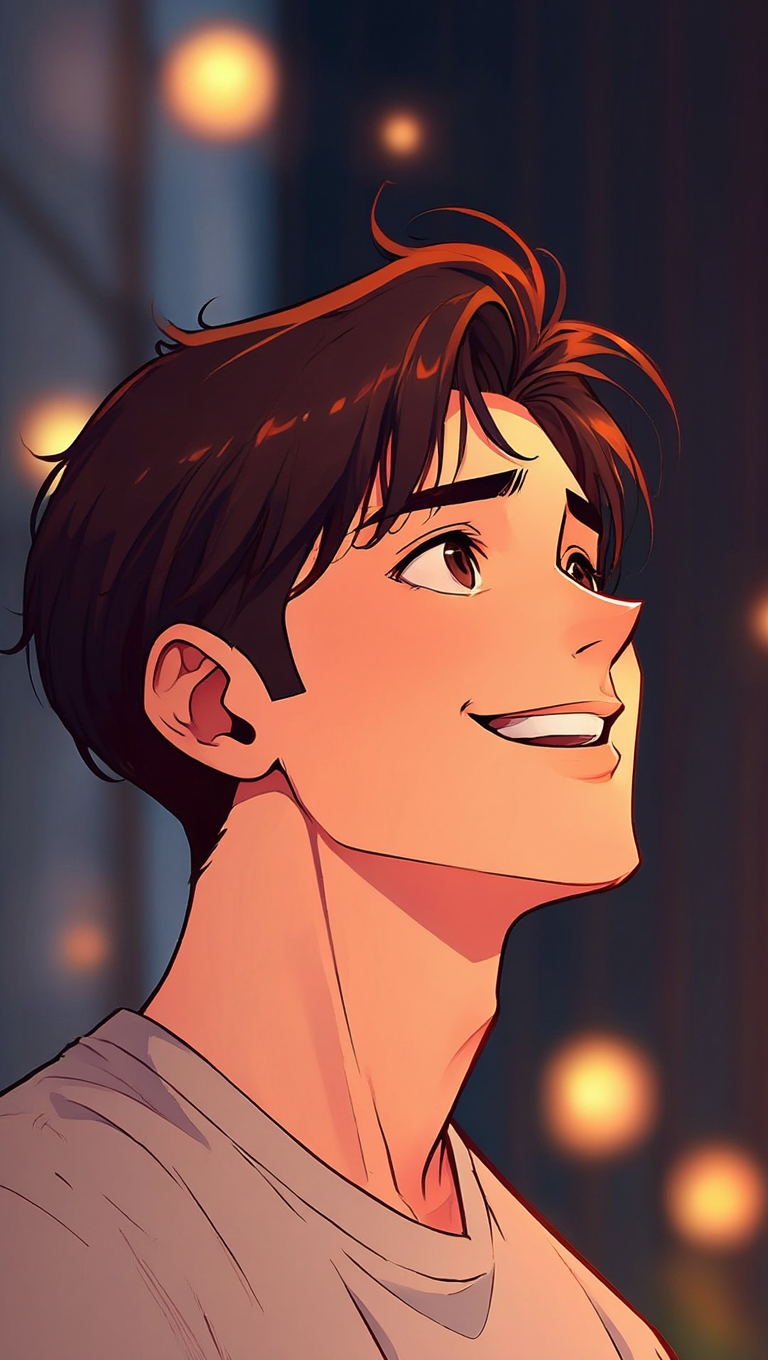
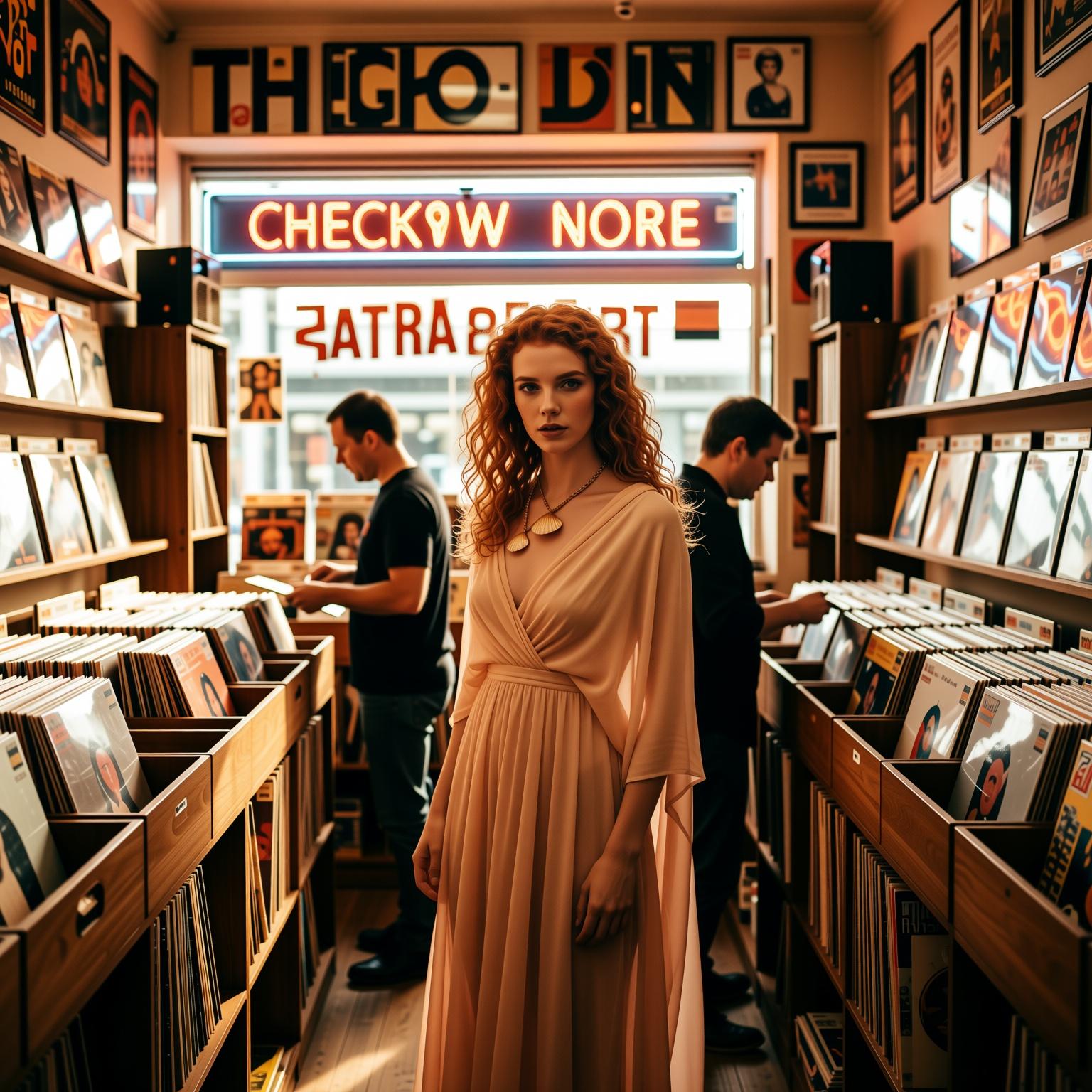
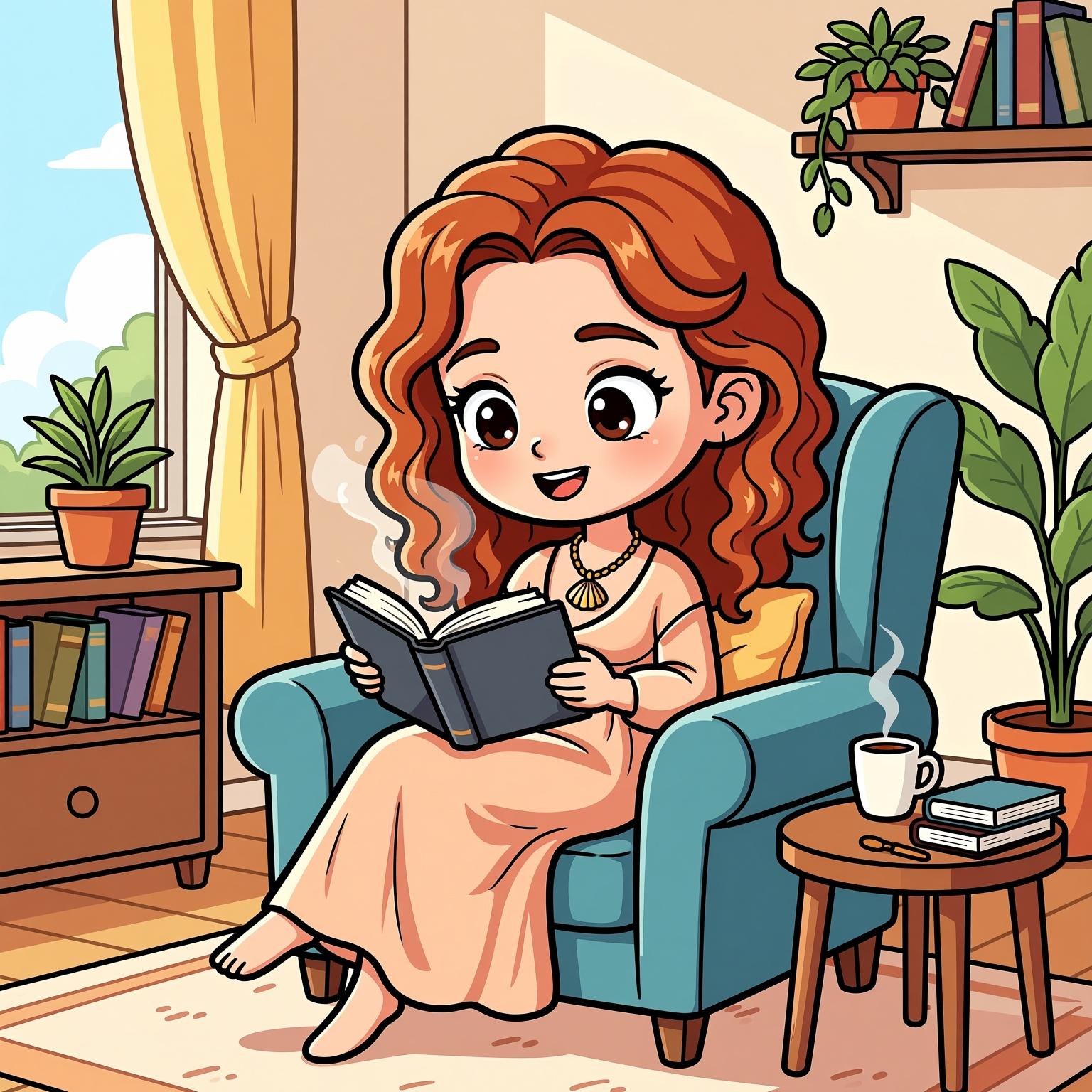
Generate images in different styles while maintaining consistent character features from the reference image.
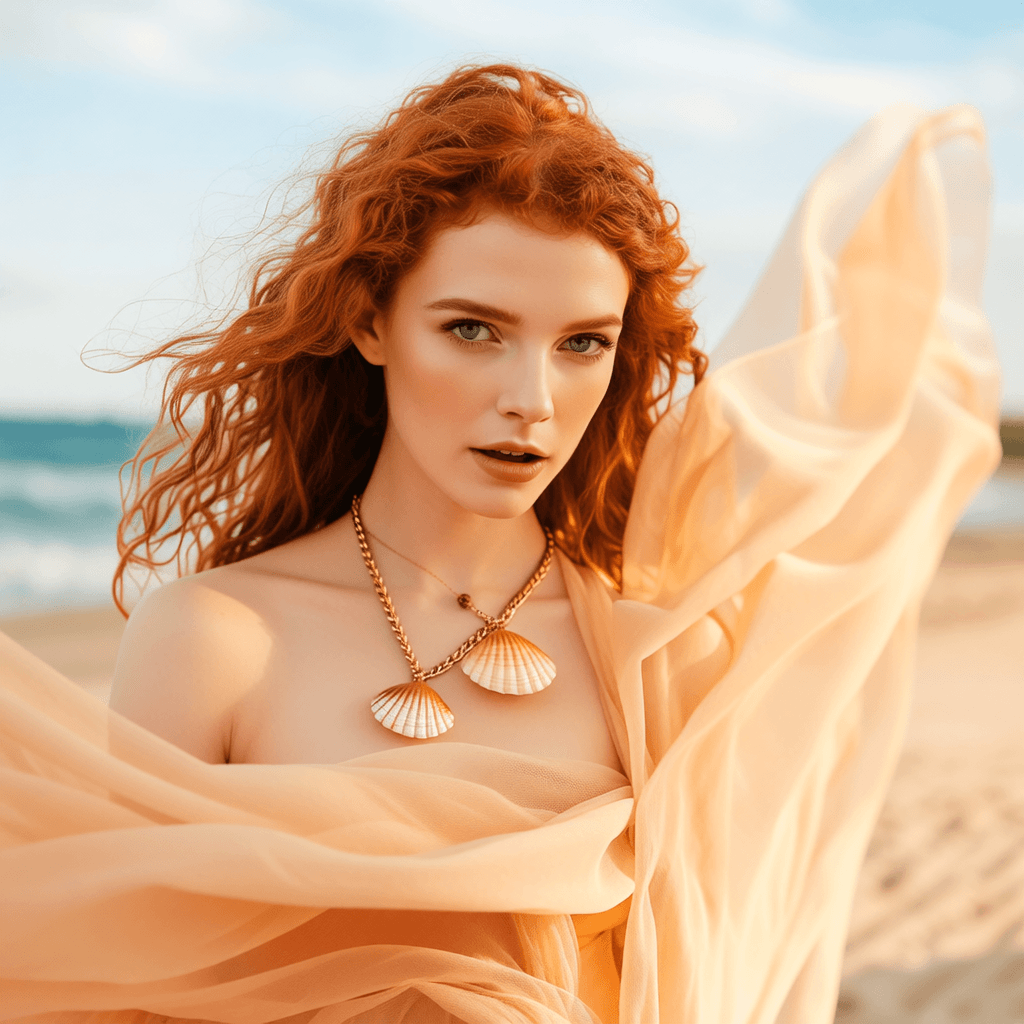
Realistic Style
Based on the reference image, generate a realistic-style mountaineering photo at the top of a snow-capped mountain;
Film Style
Based on the reference image, generate a film-style check-in photo at a vintage record store;
Cartoon Q-Version
Based on the reference image, generate a cartoon Q-version photo of reading at home.
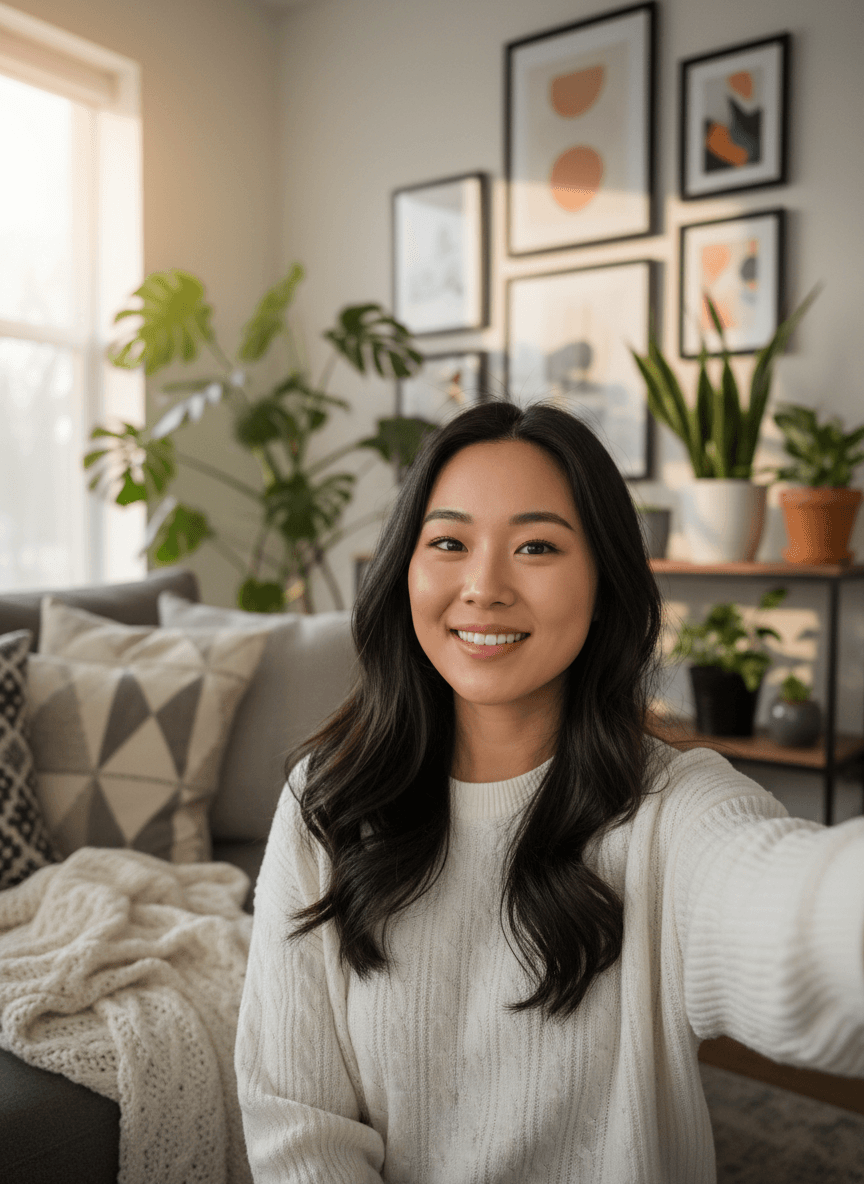
Long-Distance Multi-Person Virtual Group Photo Synthesis
Input Image A
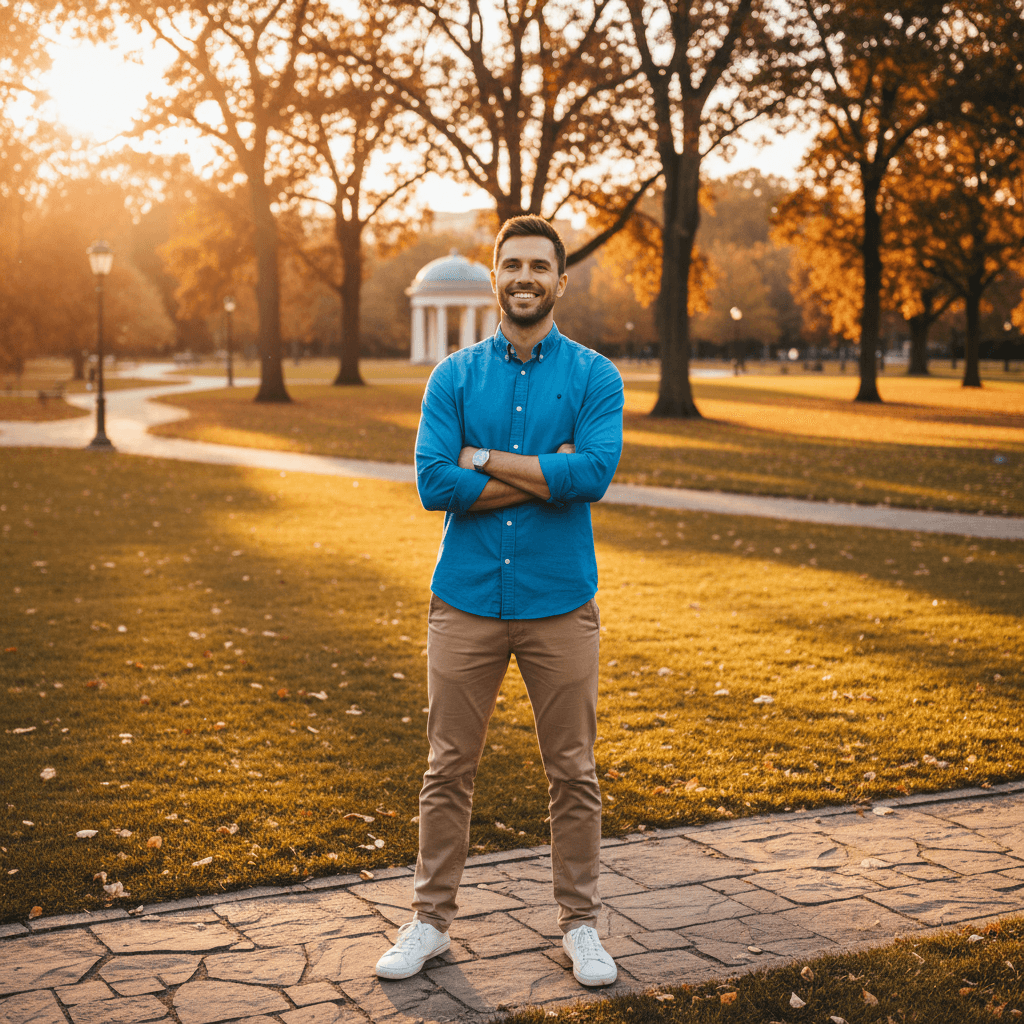
Input Image B
Generated Result
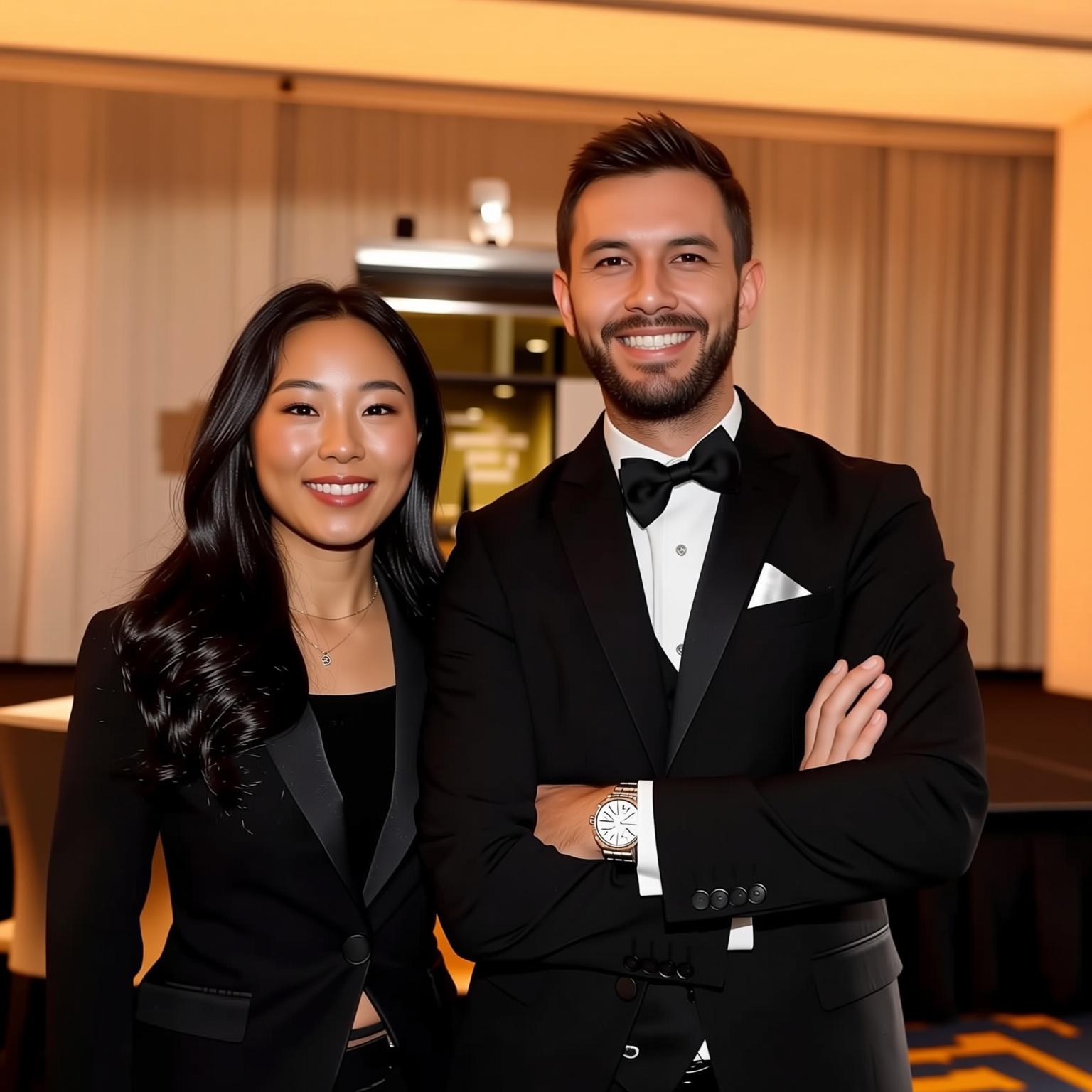
Prompt:
Synthesize a group photo of A and B at a company annual meeting, with both standing side by side, smiling at the camera, wearing black formal attire, against the backdrop of the annual meeting stage, and with warm, unified lighting.
How To Use Qwen-Image Model on ArtAny AI
Describe Your Image
Input your detailed text prompt and set your desired image configurations.
Generate Your Image
Click on 'Create' and wait for the image generation process to be completed.
X Reviews on Qwen-Image
Explore More Alibaba AI Models
Discover other powerful AI models from Alibaba's Tongyi Lab, each designed for specific creative needs
Z-Image AI
Lightweight open-source AI image generation with 6B parameters. High-fidelity details, stable anatomy, and fast inference—perfect for e-commerce, photography, and creative design.
Wan AI
Advanced visual generation model for text-to-video, image-to-video, and video editing. SOTA performance with support for consumer-grade GPUs and multilingual text generation.
Qwen Image Frequently Asked Questions
A: Qwen-Image is built on a massive 20B-parameter MMDiT architecture. Its biggest strengths are native-level multilingual text rendering and precise image editing, allowing text and edits to blend naturally with the image's perspective and lighting.
A: It utilizes advanced character preservation algorithms that maintain facial features across multiple edits. This ensures character consistency, making it ideal for storytelling, storyboarding, and consistent branding.
A: Yes. Qwen-Image-Edit supports localized refinement. You can modify specific textures, colors, or objects (like changing a character's clothing or updating a sign) while keeping the overall composition and background intact.
A: Absolutely. It supports high-fidelity rendering for multiple languages, including English, Chinese, and more. It goes beyond simple translation by ensuring the text style matches the artistic theme of the image.
A: Qwen-Image is a state-of-the-art multimodal AI model series from Alibaba, designed to understand and generate high-fidelity images with a focus on precision text-image fusion and controllable editing.
