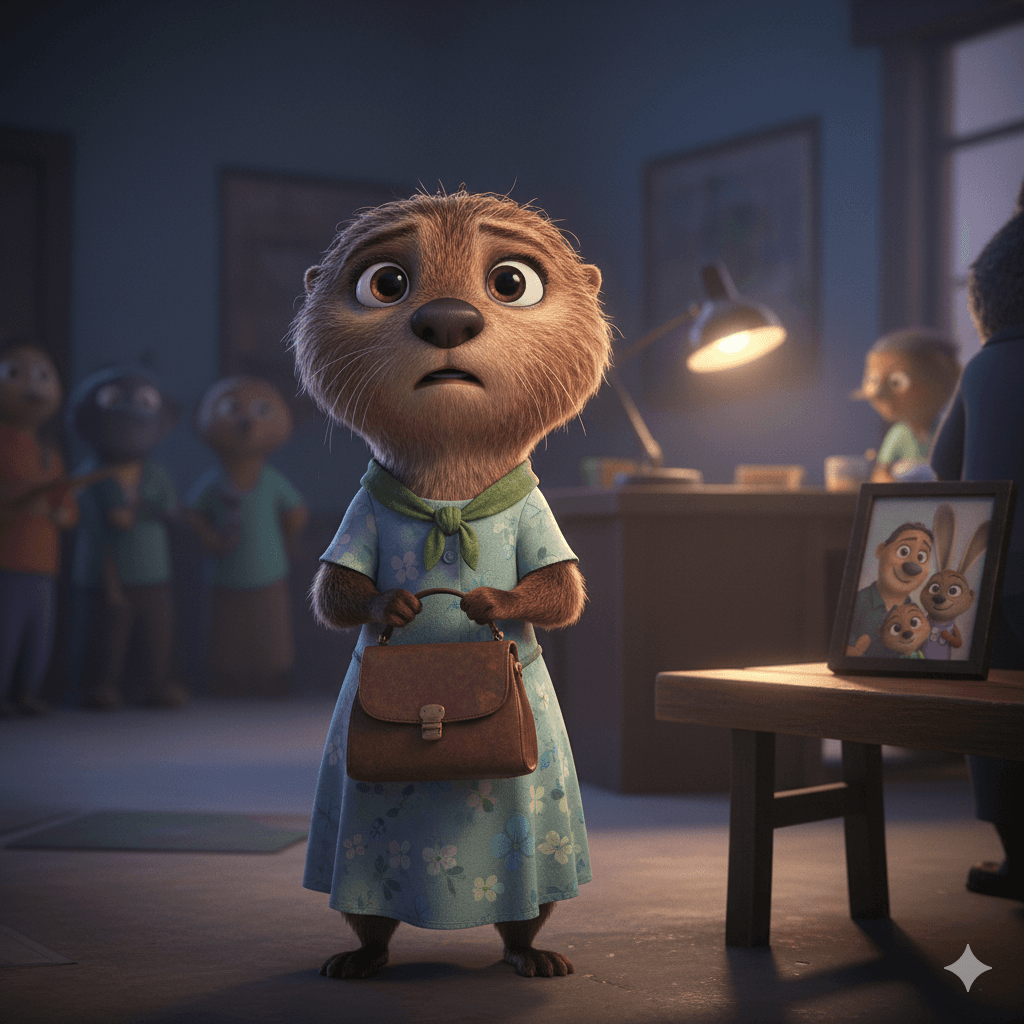
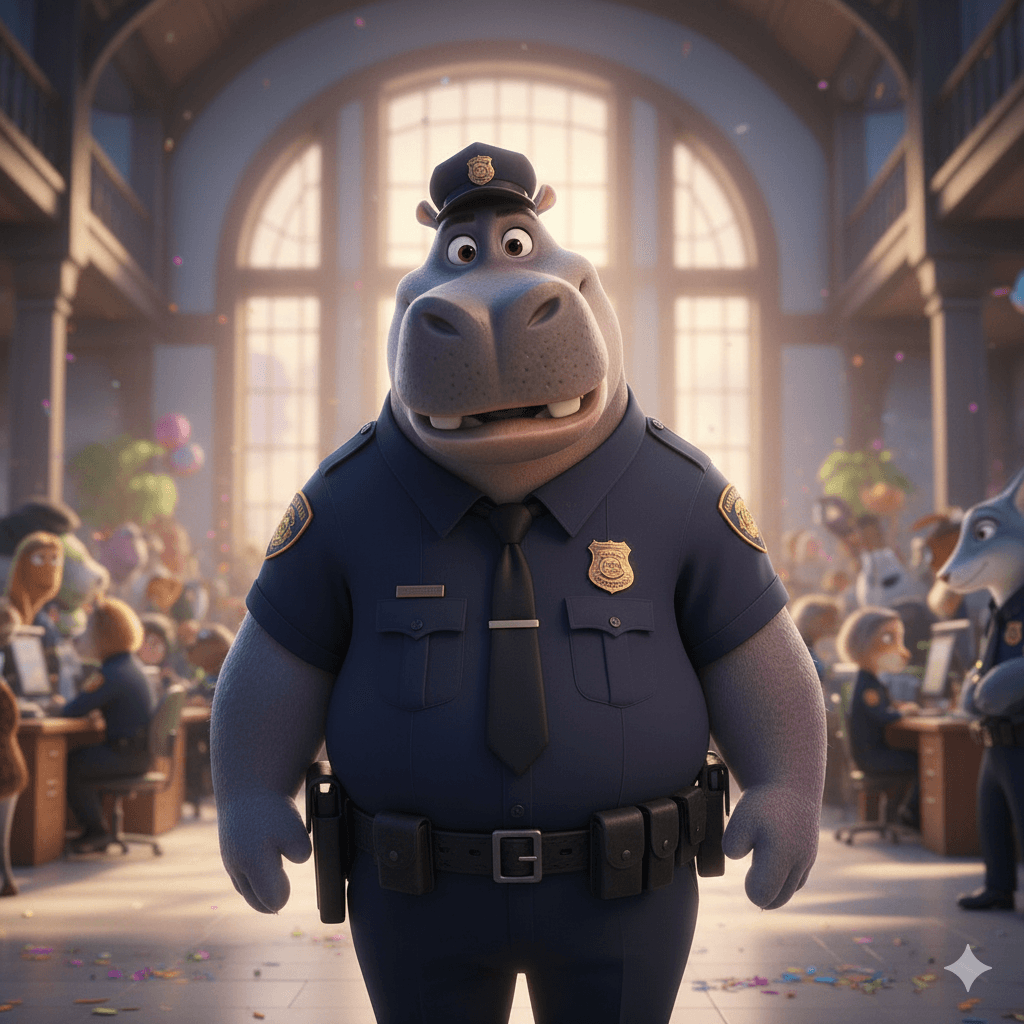
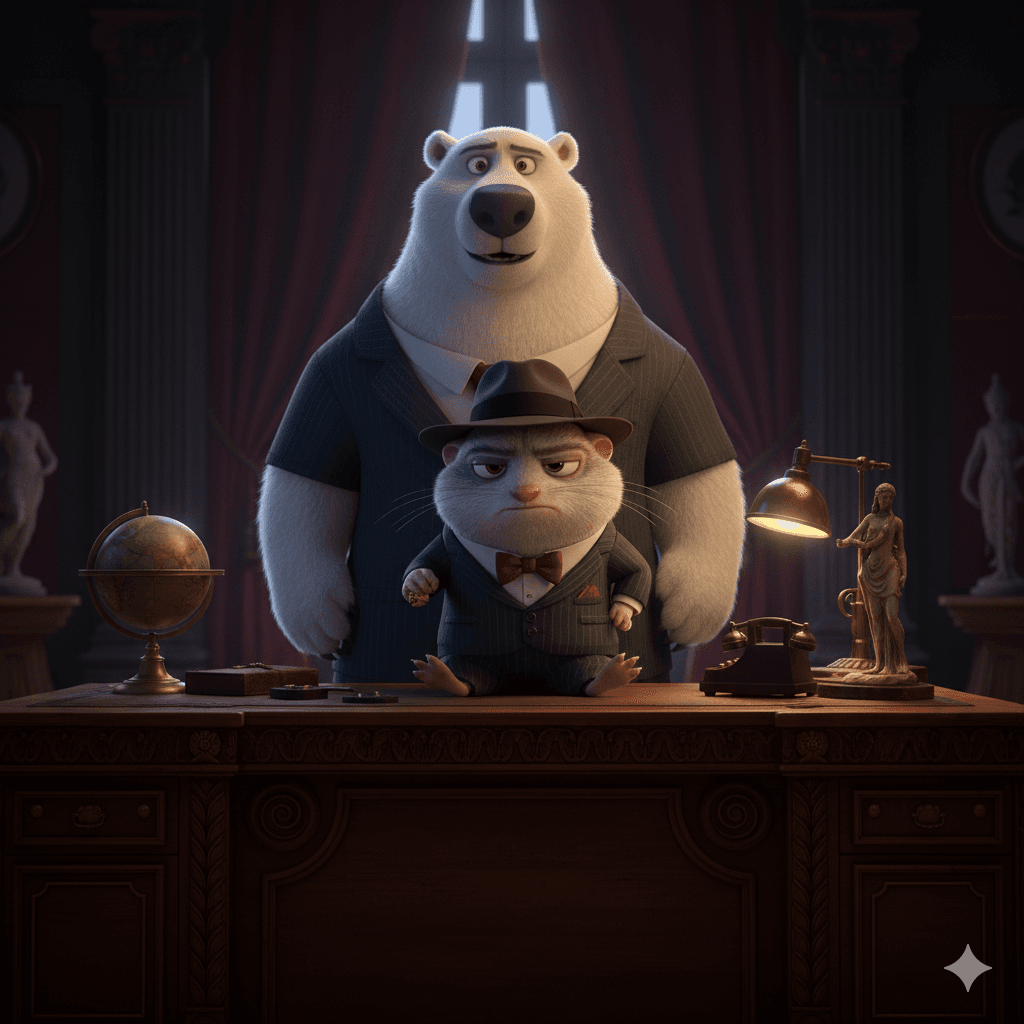
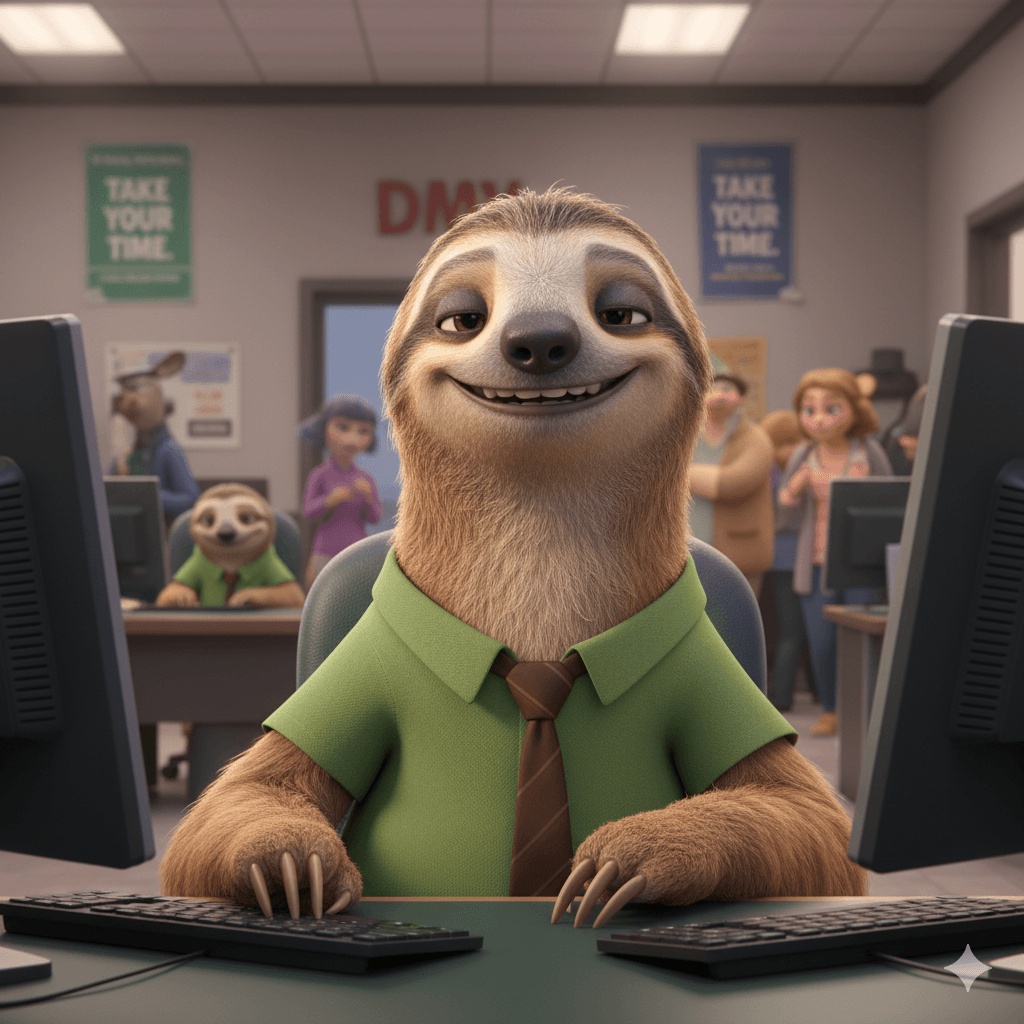
AI Zootopia 自拍亭:與你最愛的角色一起拍照

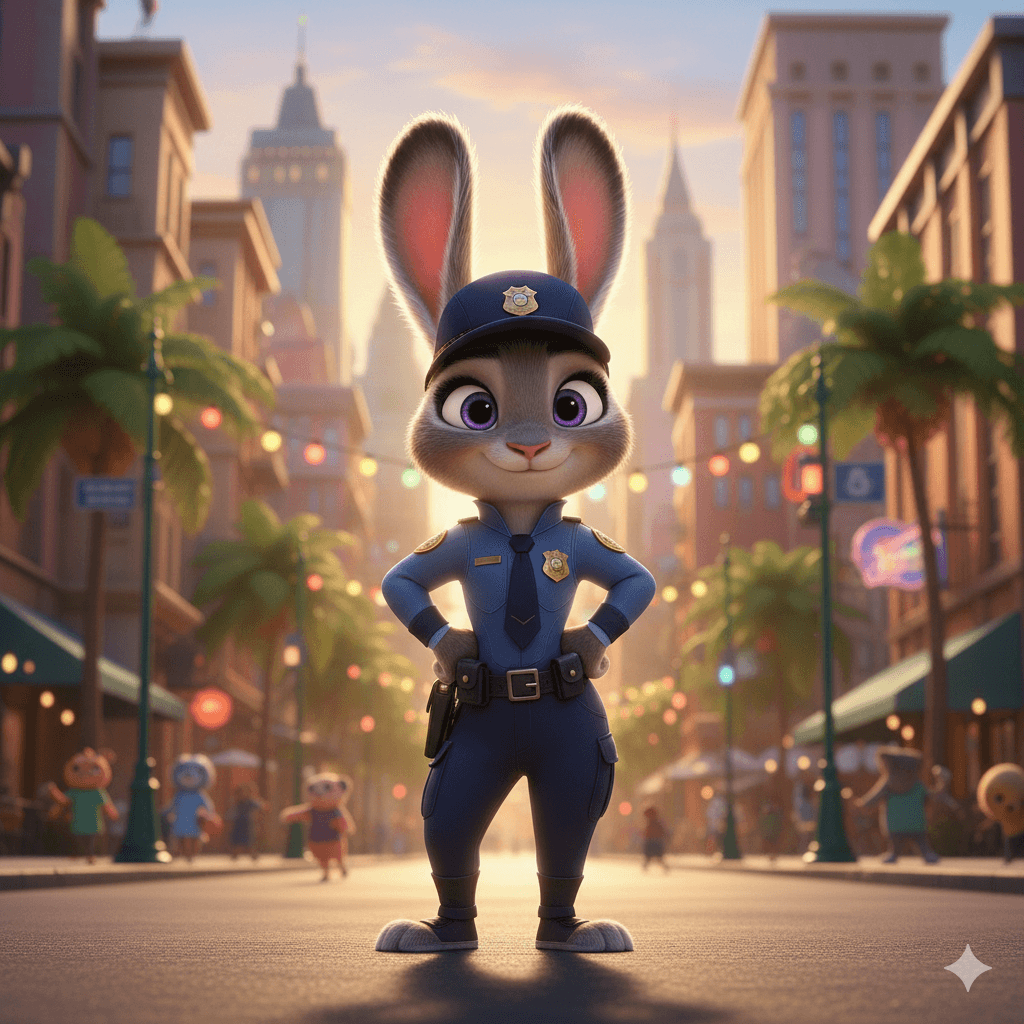
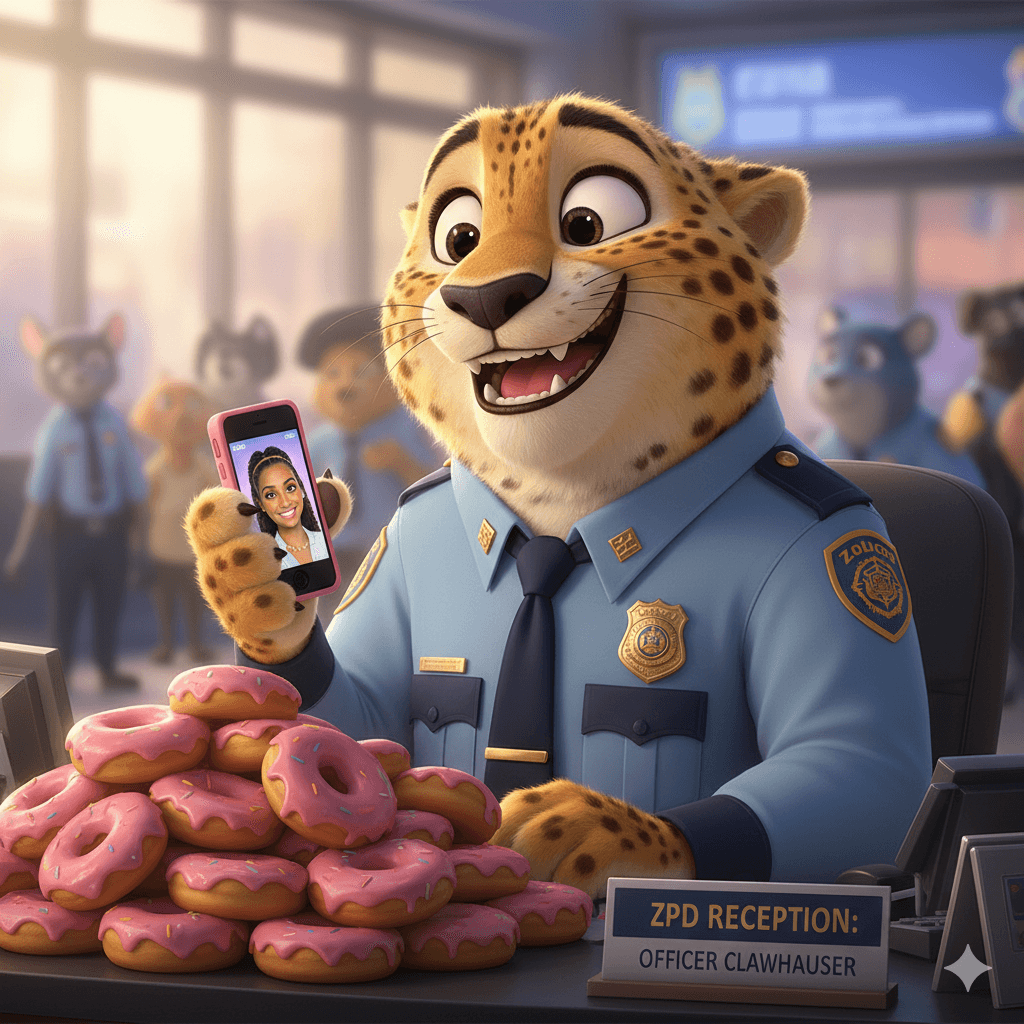
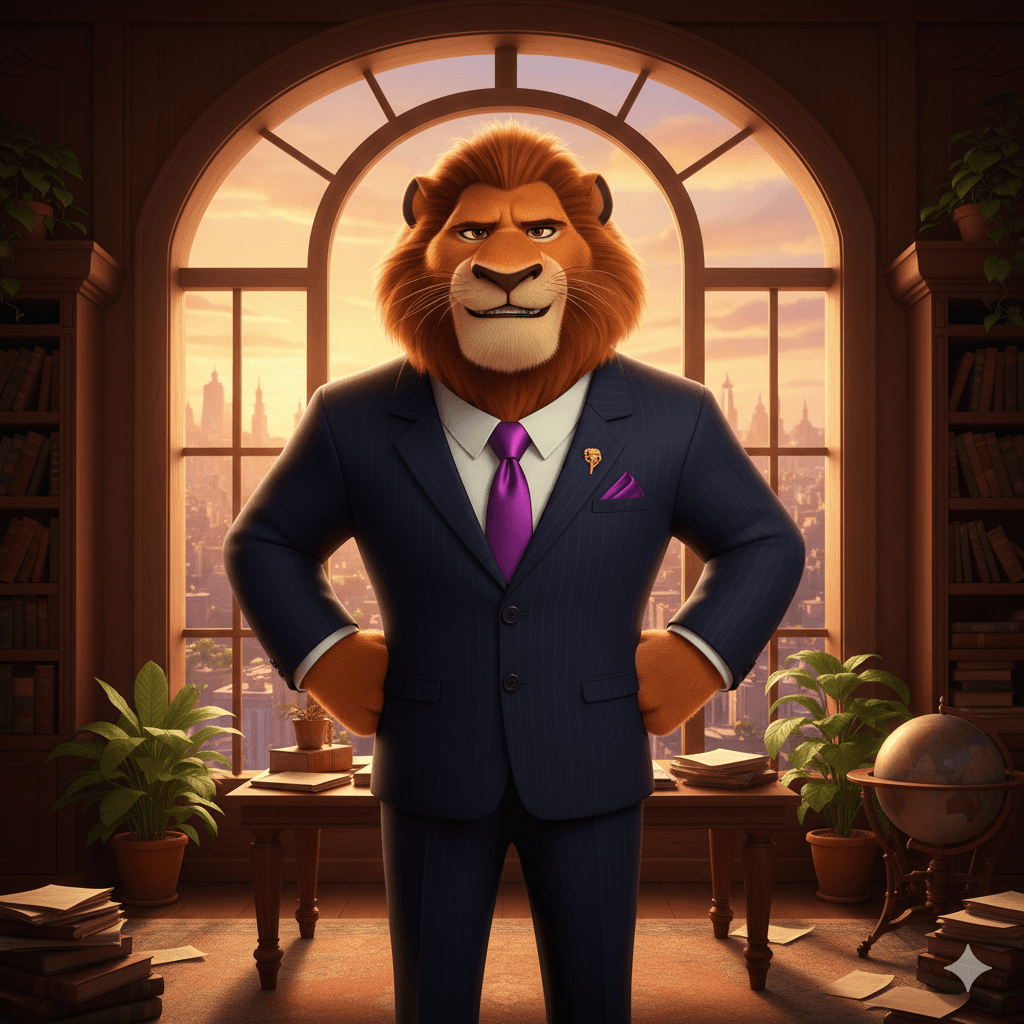
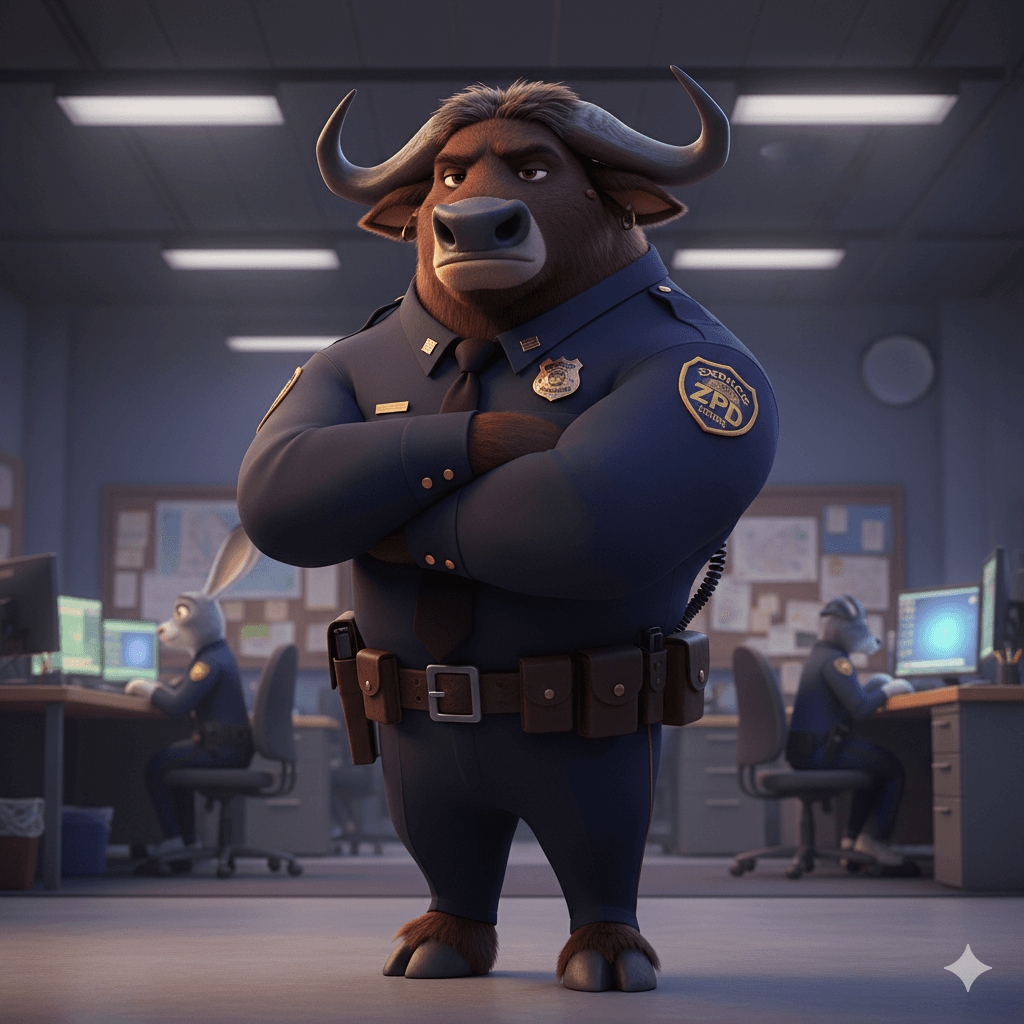
Zootopia 角色夥伴

Zootopia 2 AI Filter Partner 1
Zootopia 2 AI Filter Partner 2
Zootopia 2 AI Filter Partner 3
Zootopia 2 AI Filter Partner 4
Zootopia 2 AI Filter Partner 5
Zootopia 2 AI Filter Partner 6
Zootopia 2 AI Filter Partner 7
Zootopia 2 AI Filter Partner 8
Zootopia 2 AI Filter Partner 9
Zootopia 2 AI Filter Partner 10
Zootopia 2 AI Filter Partner 11
Zootopia 2 AI Filter Partner 12
Zootopia 2 AI Filter Partner 13
Zootopia 2 AI Filter Partner 14
Zootopia 2 AI Filter Partner 1
Zootopia 2 AI Filter Partner 2
Zootopia 2 AI Filter Partner 3
Zootopia 2 AI Filter Partner 4
Zootopia 2 AI Filter Partner 5
Zootopia 2 AI Filter Partner 6
Zootopia 2 AI Filter Partner 7
Zootopia 2 AI Filter Partner 8
Zootopia 2 AI Filter Partner 9
Zootopia 2 AI Filter Partner 10
Zootopia 2 AI Filter Partner 11
Zootopia 2 AI Filter Partner 12
Zootopia 2 AI Filter Partner 13
Zootopia 2 AI Filter Partner 14

AI Zootopia 合照生成器

Template 01
Template 01
Template 02
Template 03
SeedDance-image-ai-1

No Generation History

Enter a prompt and click "Generate Image" to start creating! Your artwork will be displayed here.

「我們的 AI Zootopia 合照生成器採用尖端 AI 融合技術,能將你的真人照片無縫置入動物方城市的精彩世界中。」

@ArtAny AI
AI Zootopia Features

逼真融合

保留你的真實肌理,同時完美匹配角色的光影與姿勢,生成專業級 AI 合成照片。

無限創意

不只是合成,你還能選擇各種場景,如熱鬧的動物方城市街道或冰雪城鎮,讓每張照片都充滿新鮮感。

超高速輸出

告別繁複修圖,AI 影片/圖片在數秒內完成。

角色合成展示(靈感畫廊)

在此可預覽已成功生成的角色合成示例。點擊嘗試或生成類似風格。

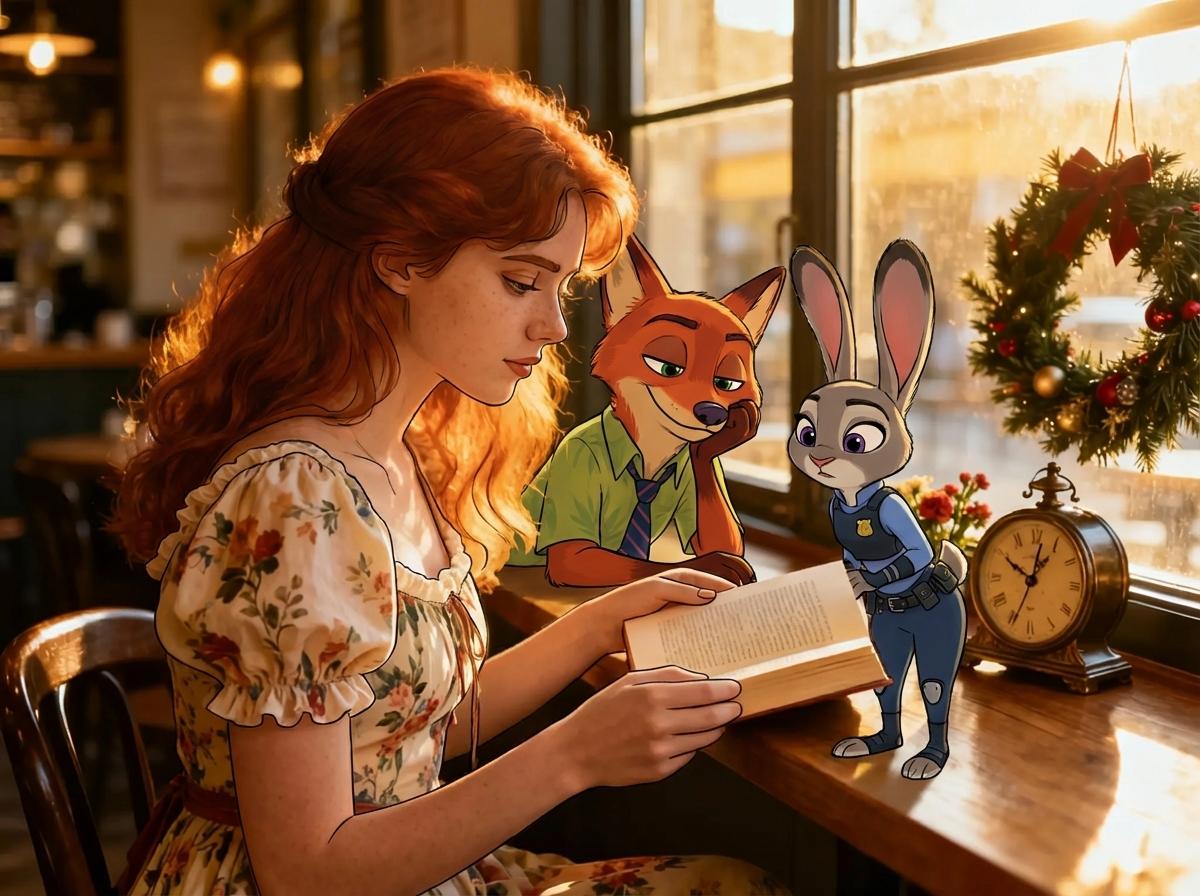
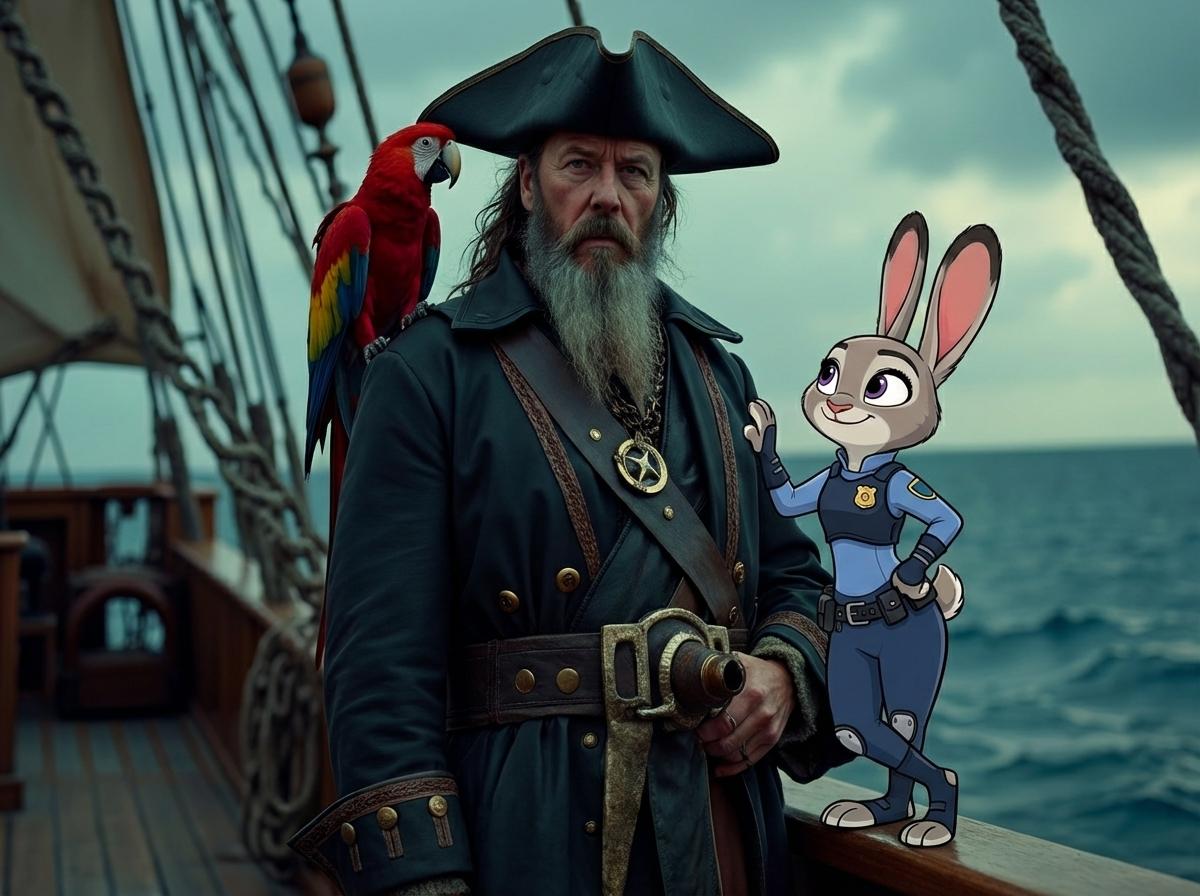
與朱迪和尼克合照

輸入 1
Input Image 1
輸入 2
Input Image 2
輸出
Photo with Judy and Nick - Generated Result

與芙芙合照

輸入 1
Input Image 1
輸入 2
Input Image 2
輸出
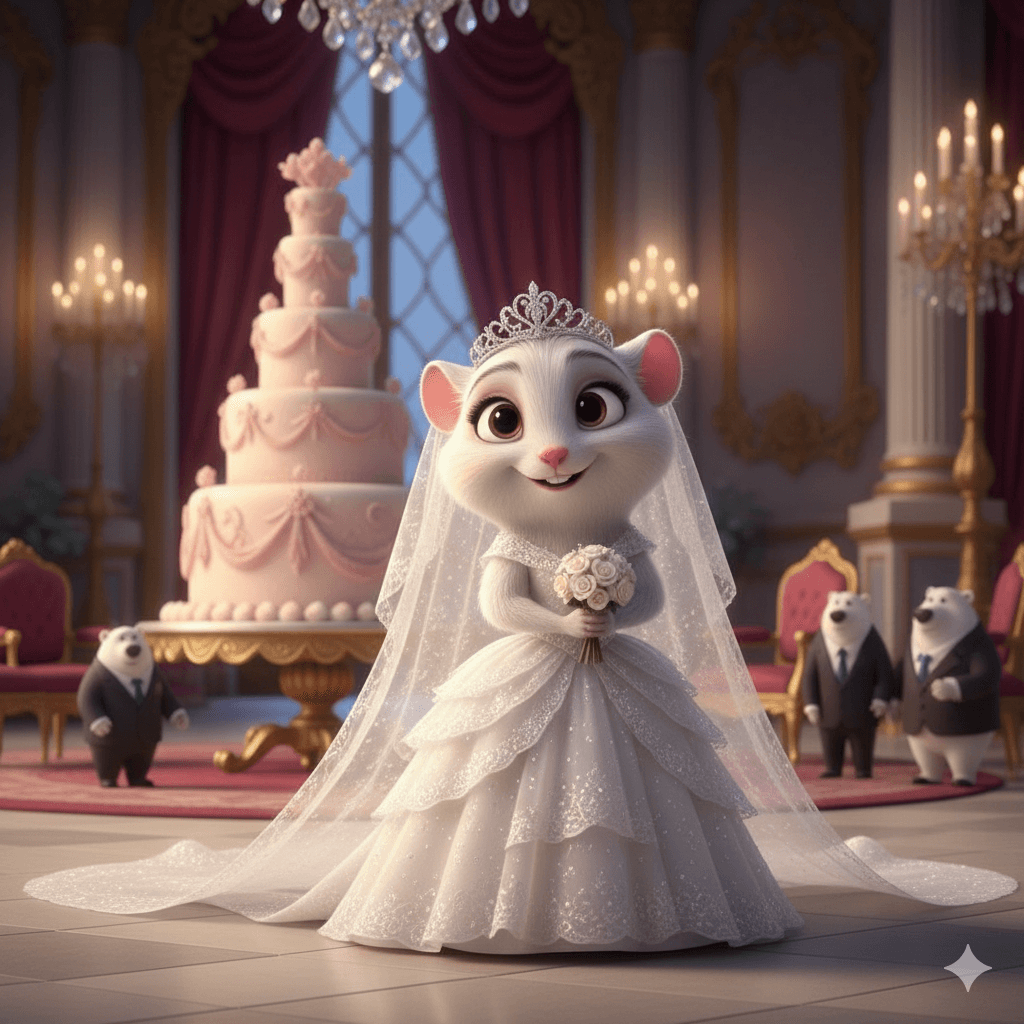
Photo with Fru Fru - Generated Result

與朱迪合照

輸入 1
Input Image 1
輸入 2
Input Image 2
輸出
Photo with Judy - Generated Result

如何使用 AI Zootopia 合照生成器

使用強大的 AI 照片編輯器,只需三步即可完成跨維度合成!

01

步驟 1:選擇角色

從角色庫中選擇你想合照的 Zootopia 角色(如尼克、朱迪、樹懶 Flash 等)。

02

步驟 2:上傳你的照片

上傳一張你想使用的清晰人物照片。AI 會自動辨識輪廓、光線與姿勢。

03

步驟 3:AI 智能融合與生成

點擊「生成」。AI 會自動調整角色角度與比例,使其完美匹配你的照片並立即生成高品質合成。
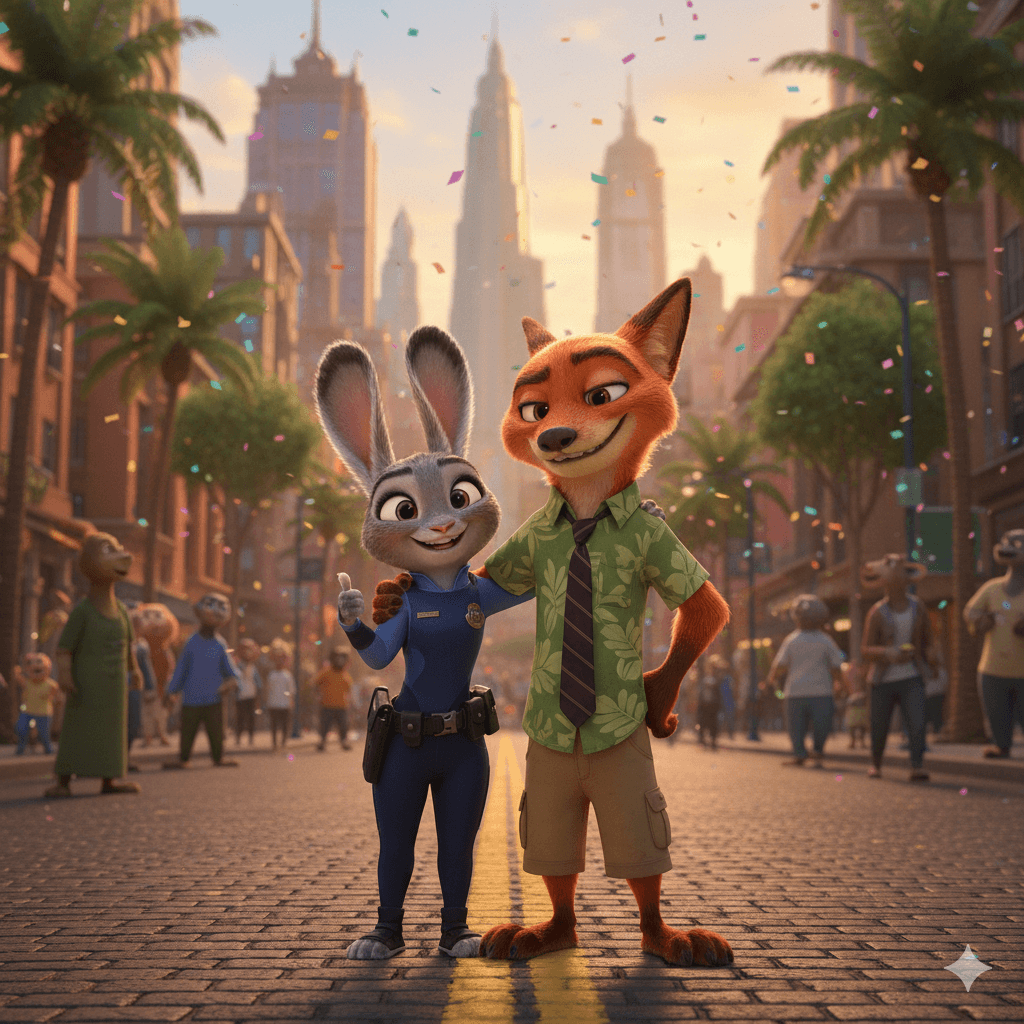
Zootopia 圖轉影片 AI 生成器

只需上傳圖片,AI 即可將你的靜態照片轉換成流暢、栩栩如生的動態影片。

上傳圖片
Input Image for Video Generation
生成影片

常見問題