AI Zootopia フォトブース:お気に入りのキャラと写真撮影

Zootopia パートナー

Zootopia 2 AI Filter Partner 1
Zootopia 2 AI Filter Partner 2
Zootopia 2 AI Filter Partner 3
Zootopia 2 AI Filter Partner 4
Zootopia 2 AI Filter Partner 5
Zootopia 2 AI Filter Partner 6
Zootopia 2 AI Filter Partner 7
Zootopia 2 AI Filter Partner 8
Zootopia 2 AI Filter Partner 9
Zootopia 2 AI Filter Partner 10
Zootopia 2 AI Filter Partner 11
Zootopia 2 AI Filter Partner 12
Zootopia 2 AI Filter Partner 13
Zootopia 2 AI Filter Partner 14
Zootopia 2 AI Filter Partner 1
Zootopia 2 AI Filter Partner 2
Zootopia 2 AI Filter Partner 3
Zootopia 2 AI Filter Partner 4
Zootopia 2 AI Filter Partner 5
Zootopia 2 AI Filter Partner 6
Zootopia 2 AI Filter Partner 7
Zootopia 2 AI Filter Partner 8
Zootopia 2 AI Filter Partner 9
Zootopia 2 AI Filter Partner 10
Zootopia 2 AI Filter Partner 11
Zootopia 2 AI Filter Partner 12
Zootopia 2 AI Filter Partner 13
Zootopia 2 AI Filter Partner 14

AI Zootopia 写真ジェネレーター

Template 01
Template 01
Template 02
Template 03
SeedDance-image-ai-1

No Generation History

Enter a prompt and click "Generate Image" to start creating! Your artwork will be displayed here.

「当AIジェネレーターは高度な融合技術で、あなたの写真を Zootopia の世界にシームレスに合成します。」

@ArtAny AI
AI Zootopia Features

リアルな融合

本物の質感を保ちながら、光とポーズをキャラに合わせてプロ品質のAI合成を生成します。

無限の創造性

にぎやかな Zootopia の街並みやツンドラタウンなど、さまざまな背景が選べます。

超高速出力

難しい編集は不要。数秒でAI画像/動画を生成します。

キャラクター合成ギャラリー

生成済みの合成例を表示。クリックして同じスタイルを試せます。

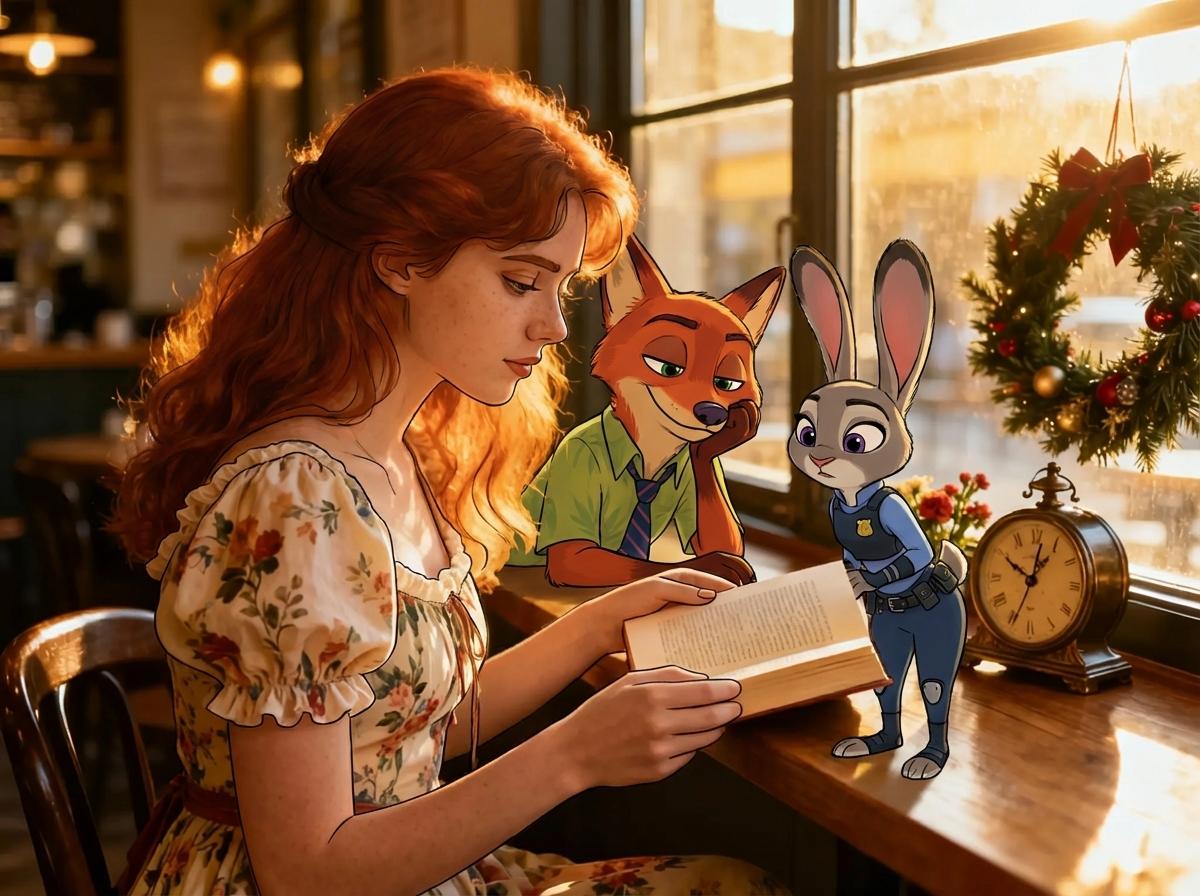
ジュディ & ニックとの写真

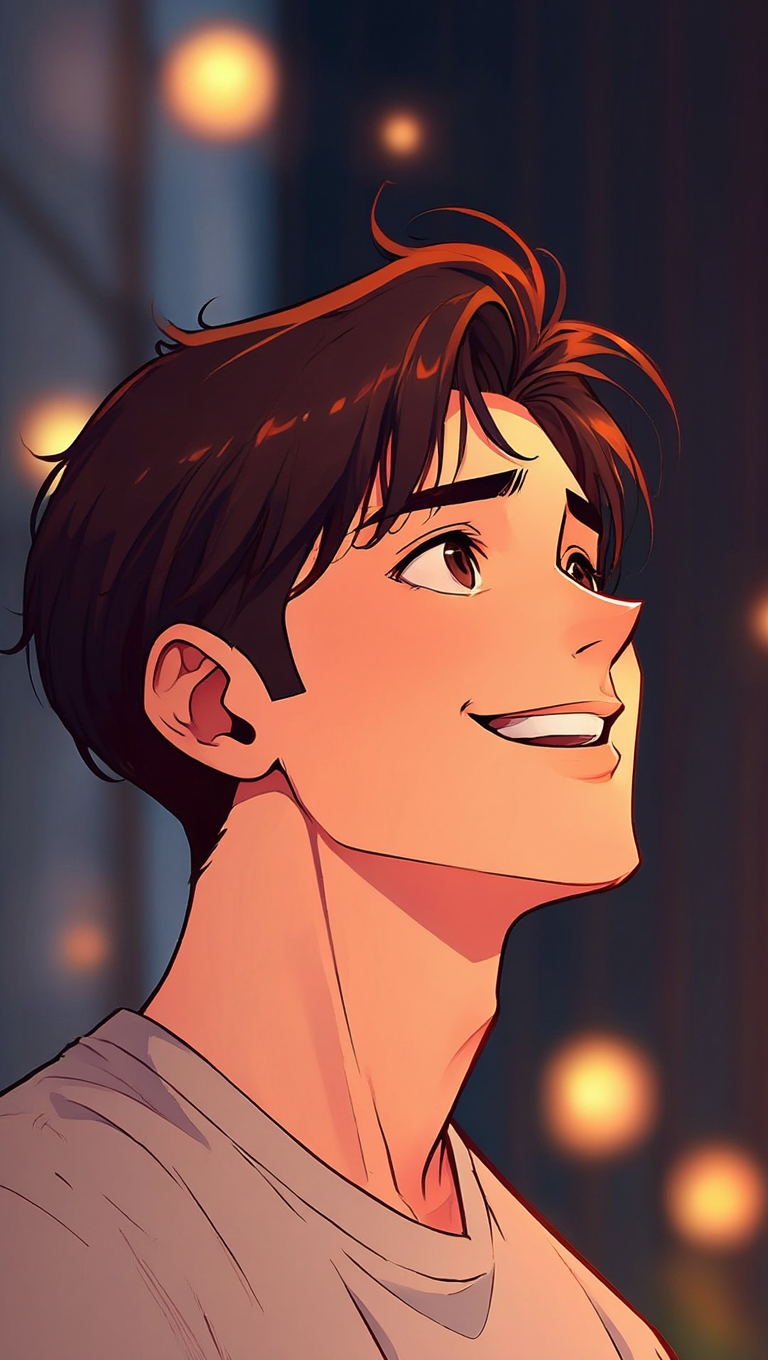
入力1
Input Image 1
入力2
Input Image 2
出力
Photo with Judy and Nick - Generated Result

フルフルとの写真

入力1
Input Image 1
入力2
Input Image 2
出力
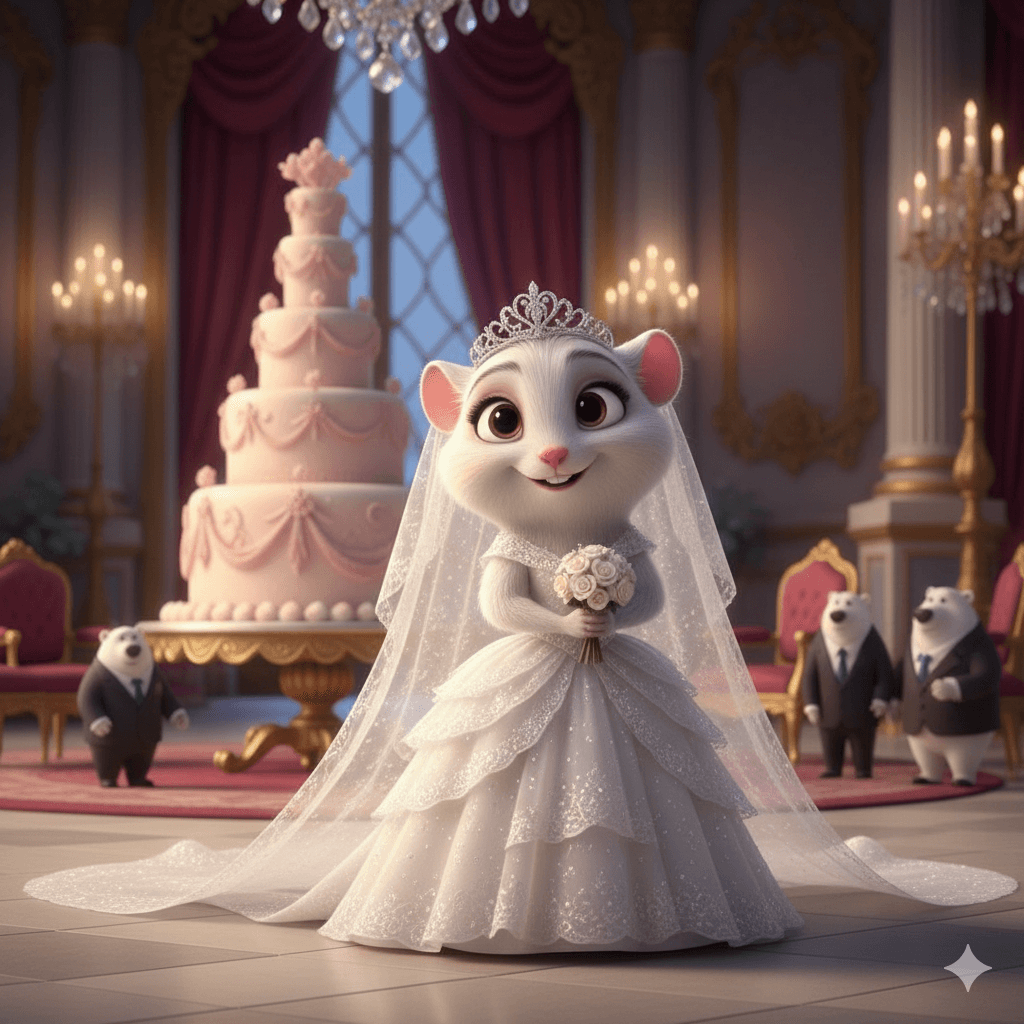
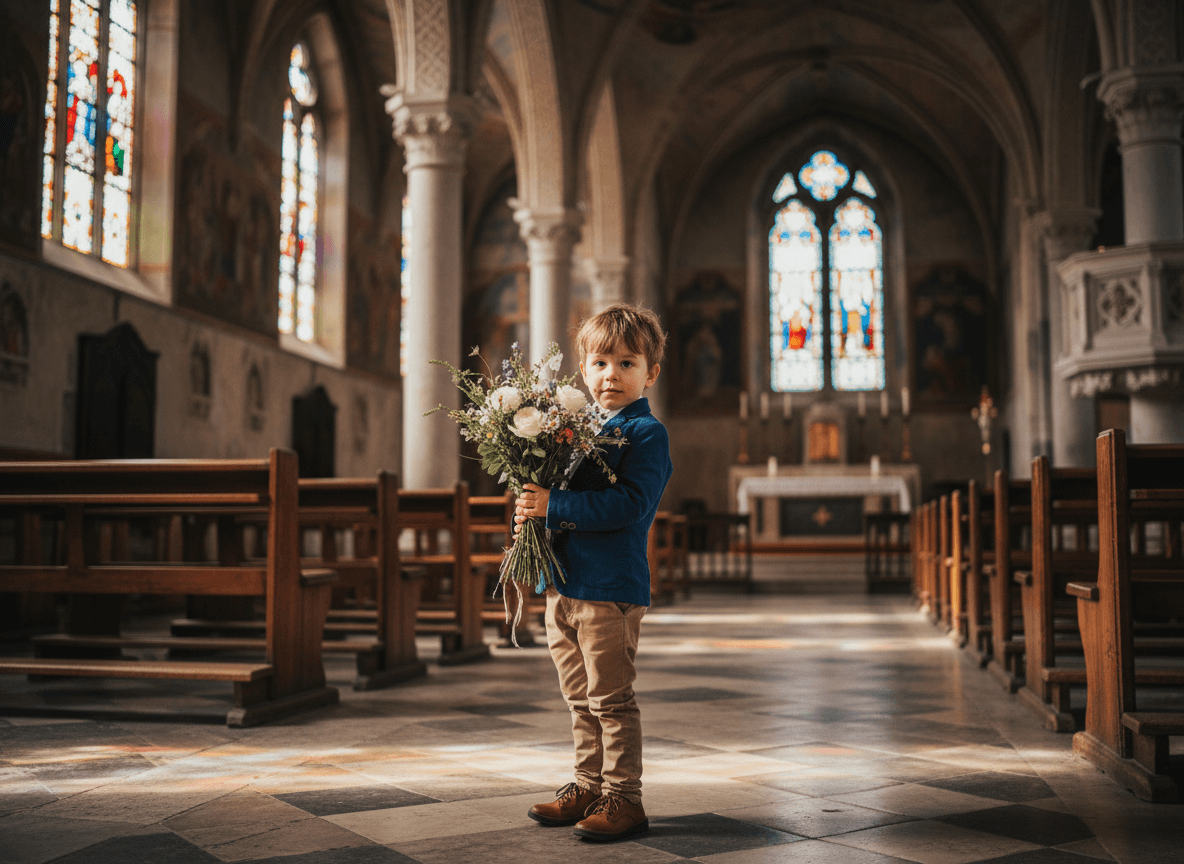
Photo with Fru Fru - Generated Result

ジュディとの写真

入力1
Input Image 1
入力2
Input Image 2
出力
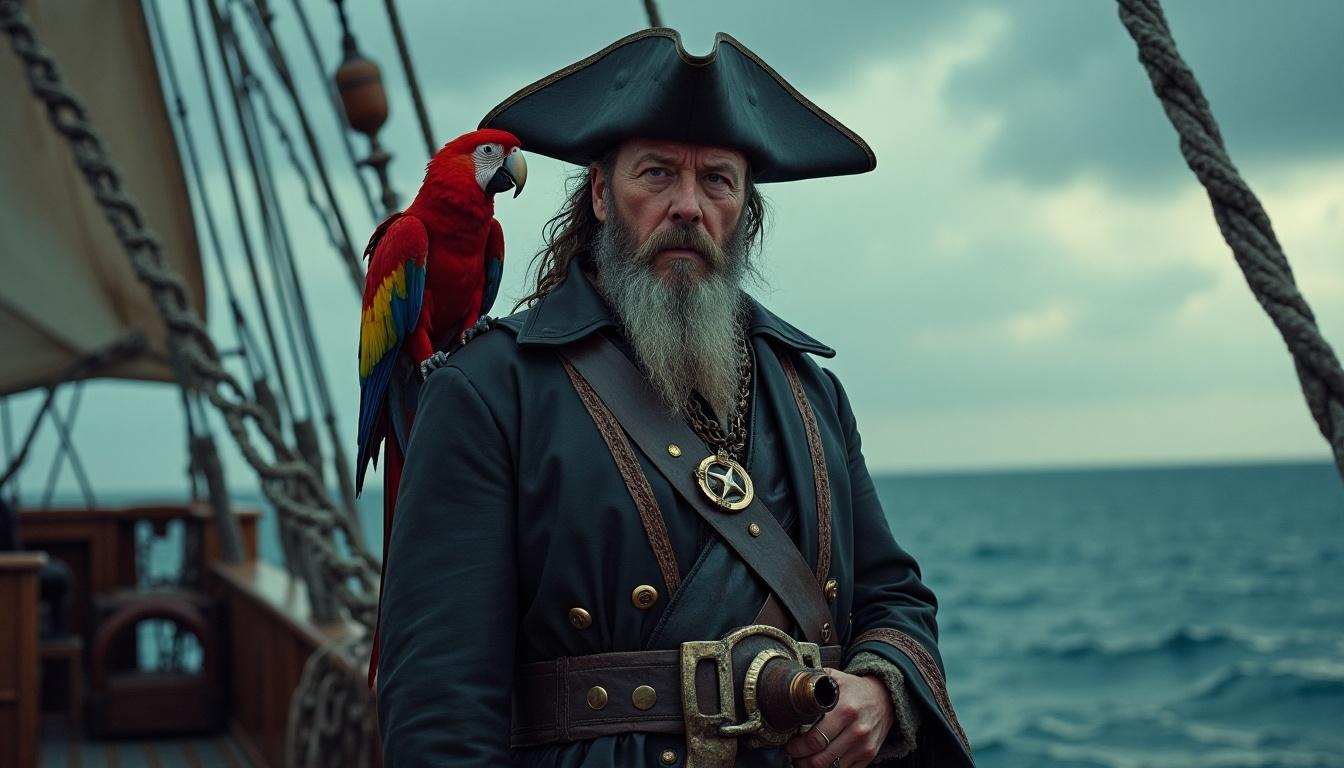
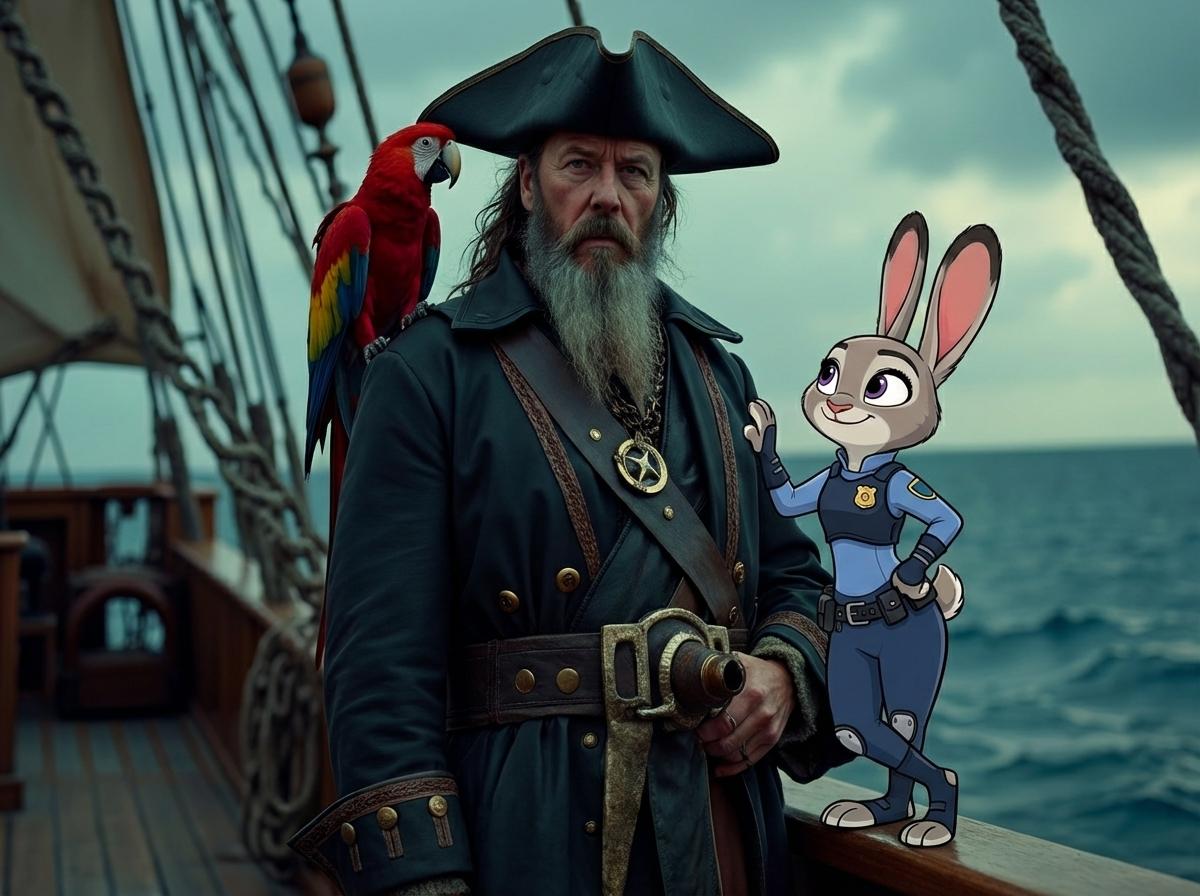
Photo with Judy - Generated Result

AI Zootopia 生成ツールの使い方

AI 写真編集ツールで、3ステップで簡単に作成できます!

01

ステップ1:キャラを選ぶ

ニック、ジュディ、フラッシュなど好きなキャラを選択。

02

ステップ2:写真をアップロード

鮮明な写真をアップロード。AIが輪郭・光・姿勢を自動分析します。

03

ステップ3:AI 融合 & 生成

「生成」をクリックすると、キャラの角度とサイズを自動調整し、高品質な合成を即時生成します。
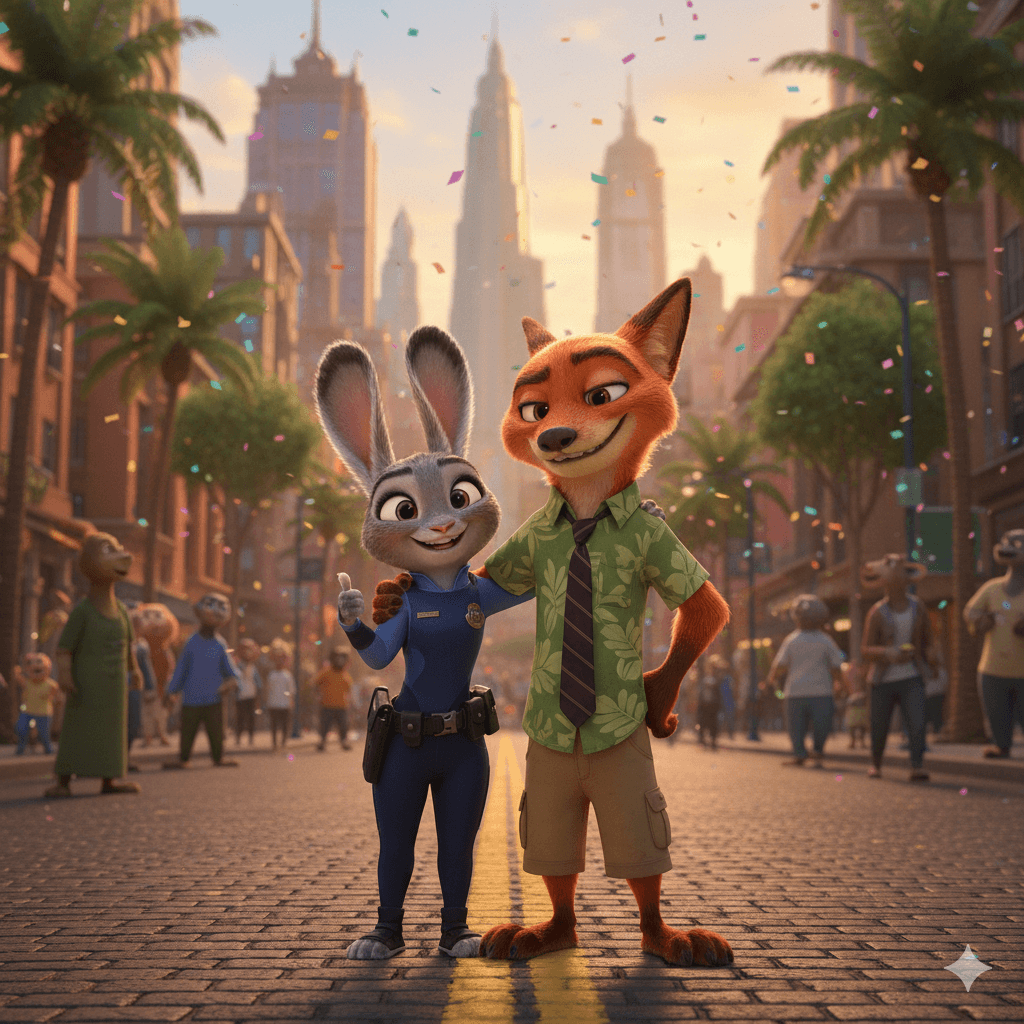
Zootopia 画像→動画 AI 生成器

画像をアップロードするだけで、滑らかな動きのある動画に変換できます。

画像をアップロード
Input Image for Video Generation
生成動画

よくある質問